Opening Direct Help
Introduction
Context-sensitive Direct Help provides detailed information on all:
■
Menus
■
Operating elements in menus
■
Errors and warnings
#
Note
When calling up the Direct Help, ensure that you have selected the element
for which you wish to call up the Help text.
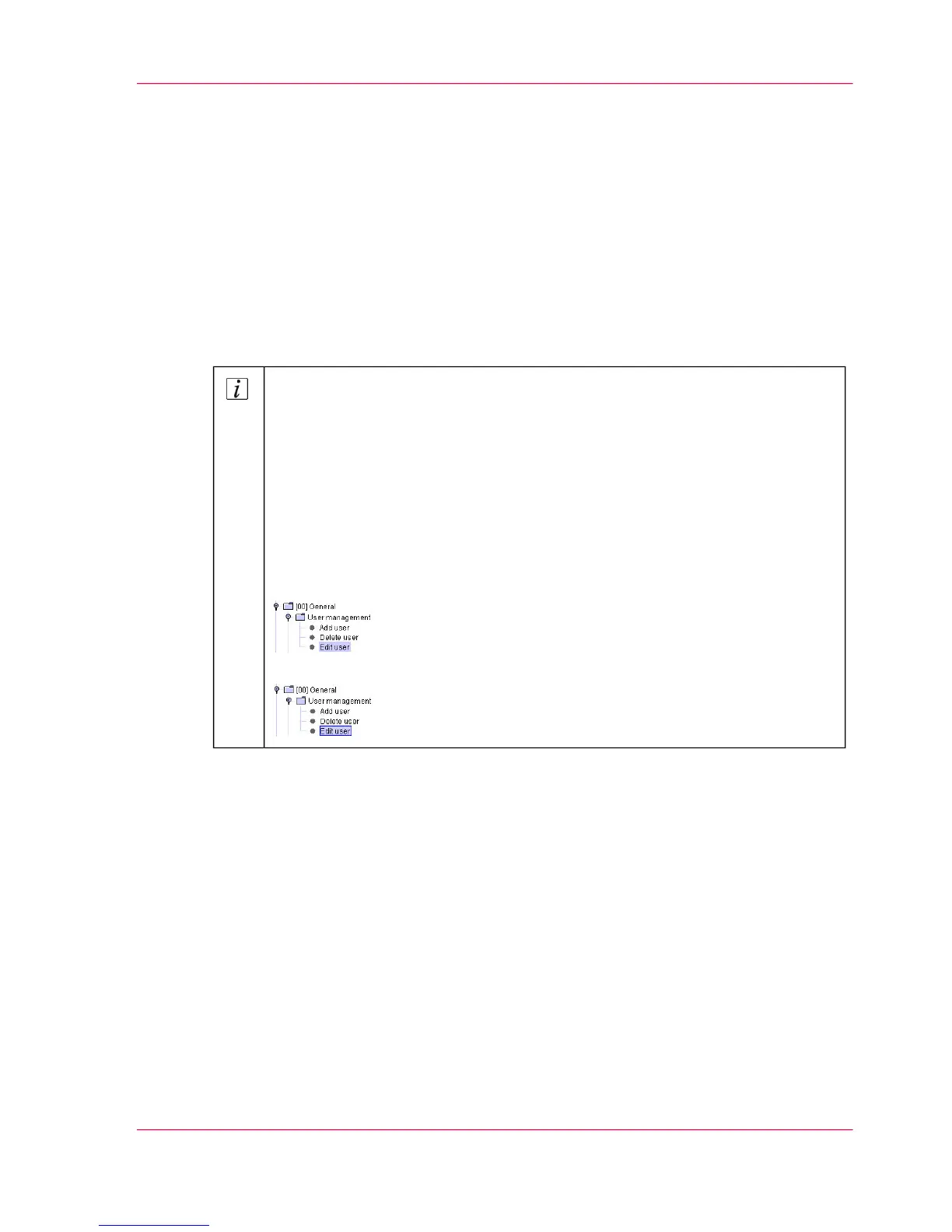
The selected element can be identified by the blue frame. In the following ex-
ample, the 'Edit user' menu in the first illustration is only highlighted, but has
not been selected for the use of Direct Help. In the second illustration it is
selected.
If the element is not selected correctly, pressing the F1 button will only display
the start page instead of the respective Help page.
Selected element without a blue frame:
Selected element with a blue frame:
Chapter 1 - Notes on the Printing System Documentation 21
Opening Direct Help



 To Next Page