Analyzing Test Pages for Color Calibration
To Analyze Test Pages for Color Calibration
#
Proceed as follows:
If you have not yet selected the 'Evaluate' menu, choose the following on the
operator panel:
'Configuration' -> 'Color' -> 'Calibrate color' -> 'Evaluate' menu
Click the 'Next' button.
The system checks for scanned data in the "transfer area" of the printing system.
1.
Click the 'Import scan data' but-
ton and select the source from
which the scan data is to be im-
ported if the scan data has been
manually recorded.
■
USB memory stick
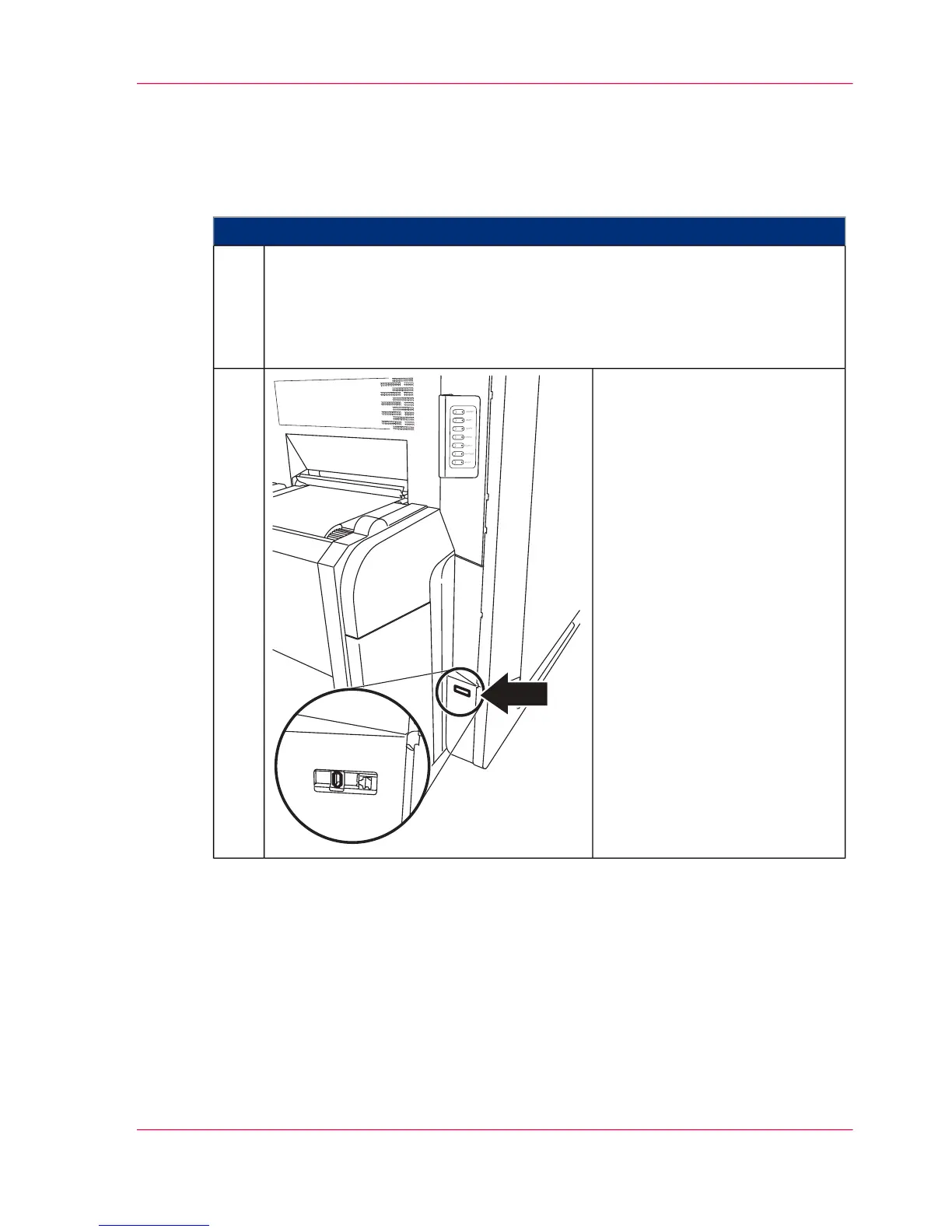
Insert the USB memory stick
with the data into the USB
port. The USB port is located
below the operator panel near
the paper input (see image).
■
Transfer area (a directory on
the drive of the controller
hard disk)
If the scan data was entered auto-
matically:
Click the 'Start' button.
2.
Chapter 6 - Operating the Printing System 253
Analyzing Test Pages for Color Calibration



 To Next Page