'ColorStream' Menus
'ColorStream' Menus — Overview
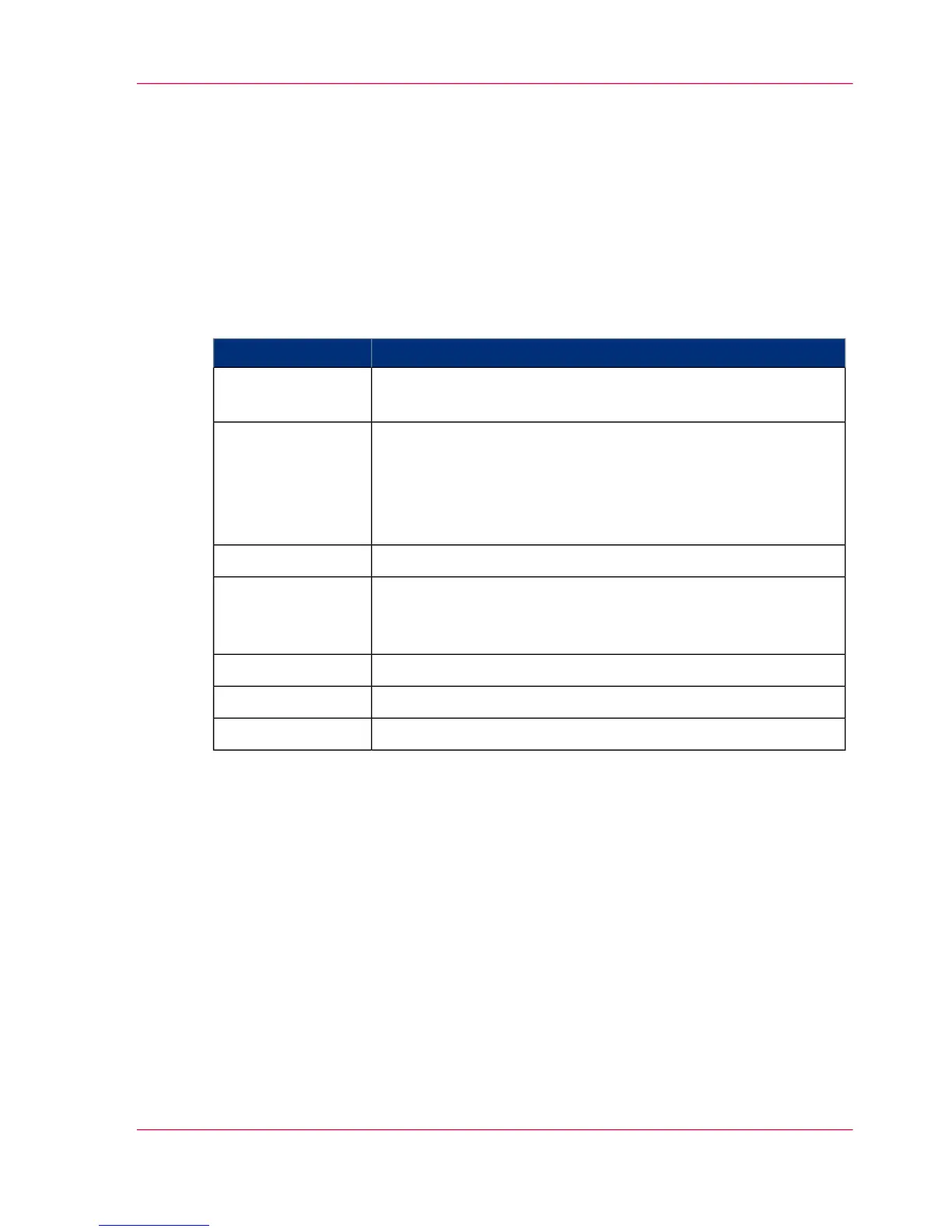
Display of Basic Information
The following basic information on the printing system is displayed in the 'ColorStream'
menu:
#
DescriptionDisplay
Number of all 12" pages previously printed in user operation
Further counters are displayed in the 'General counters' menu.
'User counter (to-
tal)'
Current print job
The job name will be displayed at the same time as data transfer
to the printing system occurs. As a maximum of 256 pages can
be saved in the page buffer, the job name will no longer be dis-
played some time before printing the last page.
'Print job:'
Currently loaded job setup'Job setup:'
Currently loaded color setup
The Color Setup Verification ID (CSVID) is displayed in addi-
tion to the name.
'Color setup:'
Description of the printing system'Printing system:'
Serial number of the printing system'Serial No.:'
Currently selected mode'Emulation:'
'ColorStream' Menus
The sub-menus contain all settings and displays relating to the Océ ColorStream printing
system.
'Displays' menus
The sub-menus contain displays on current error and warning messages and the various
counters on the printing system.
'Configuration' menus
The sub-menus contain the parameters relevant for setting the printing system.
Chapter 4 - Description of the Operator Panel 97
'ColorStream' Menus — Overview



 To Next Page