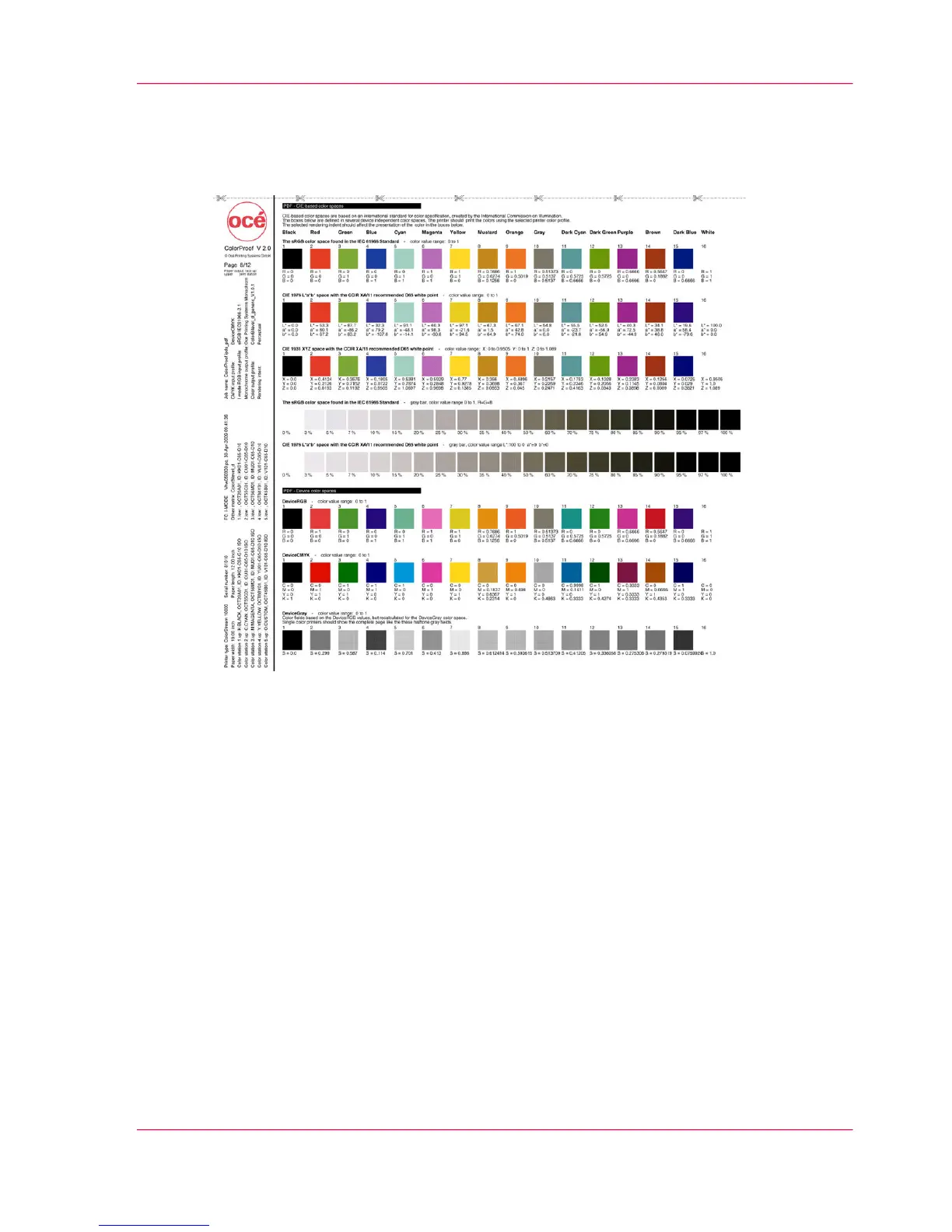
Test Print Job 'ColorProof.ipds_pdf' — Page 8
PDF Color Spaces
The page shows an extract from the individual printer color spaces controlled under PDF.
The entire PDF page is integrated as a IPDS object container. The color fields correspond
to the IPDS-OCA colors.
PDF does not know any color names that correspond to the OCA colors. Therefore, the
color values corresponding to the OCA colors are converted into PDF for the color spaces.
The OCA color names (Black, Red, Green, Blue, …, Dark Blue, White) appear as
headings above the color fields so that, in the event of an error, the user can see which
color should be displayed here.
The settings selected on the operator panel are used as 'Rendering Intent'.
Upper Area
CIE color spaces that are administered by color management are used in the upper area.
Chapter 6 - Operating the Printing System 219
Test Print Job 'ColorProof.ipds_pdf' — Page 8



 To Next Page