Synchronizing the Paper Path
Introduction
With a synchronized paper path, the print image is set e.g. to a preprinted mark.
To Synchronize the Paper Path
#
Proceed as follows:
In the 'Configuration' -> 'Paper' -> 'Preprinted marks' menu on the operator
panel, select the desired synchronization.
1.
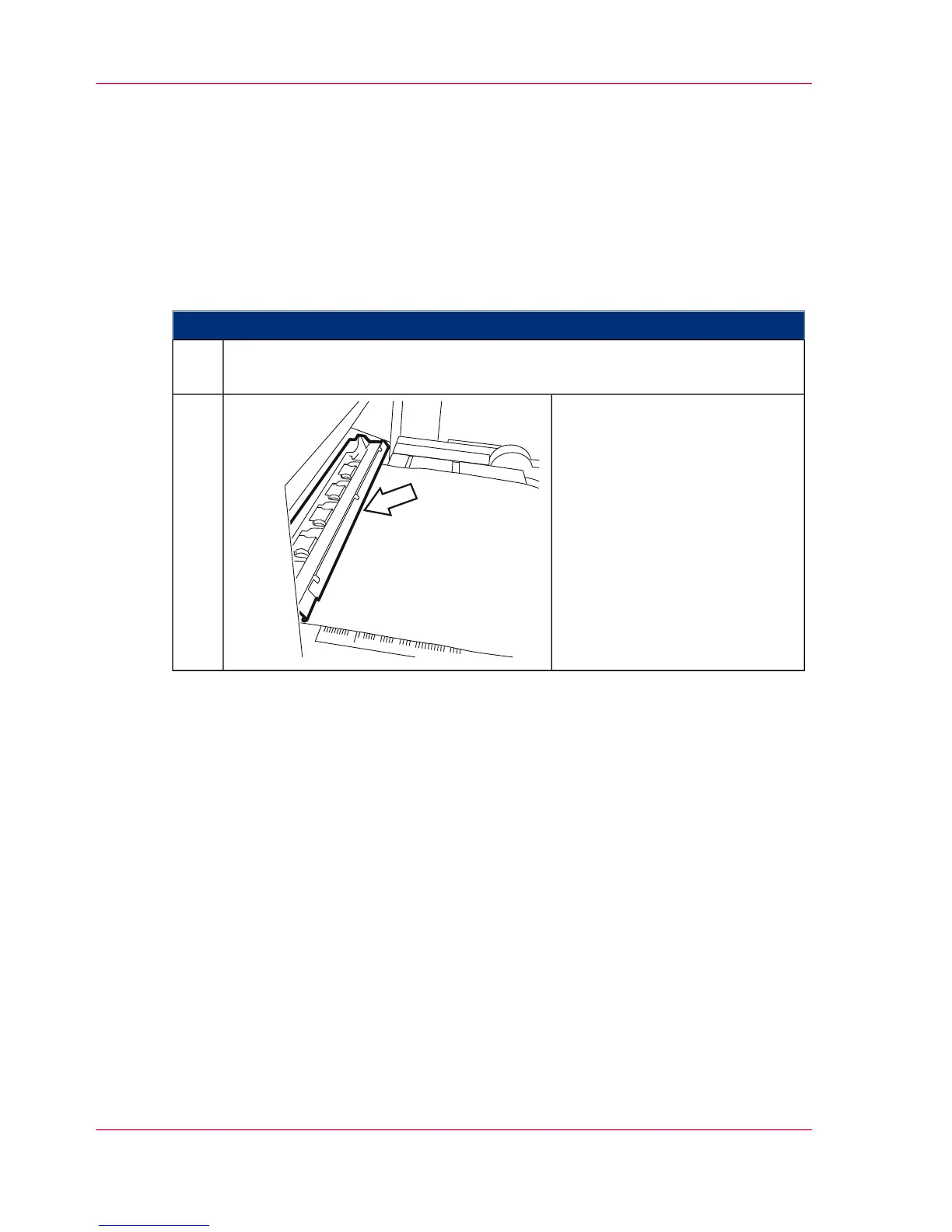
Using the 'ADVF' and 'ADVR'
buttons, position the preprint
mark or horizontal perforation
to exactly ±1 mm under the
swiveled ruler of the paper input.
2.
Chapter 6 - Operating the Printing System150
Synchronizing the Paper Path



 To Next Page