Symbols in figures
Introduction
If not indicated otherwise, diagrams and illustrations of actions depict the starting position
of the respective component for the described step.
To ease understanding, the illustrations depict the components that are directly relevant
to the immediate context in a larger line thickness.
Note:
As a result of the continuous technical further development, it may be that some of the
details on the images in the documentation are not always completely up-to-date with
the delivered printing system.
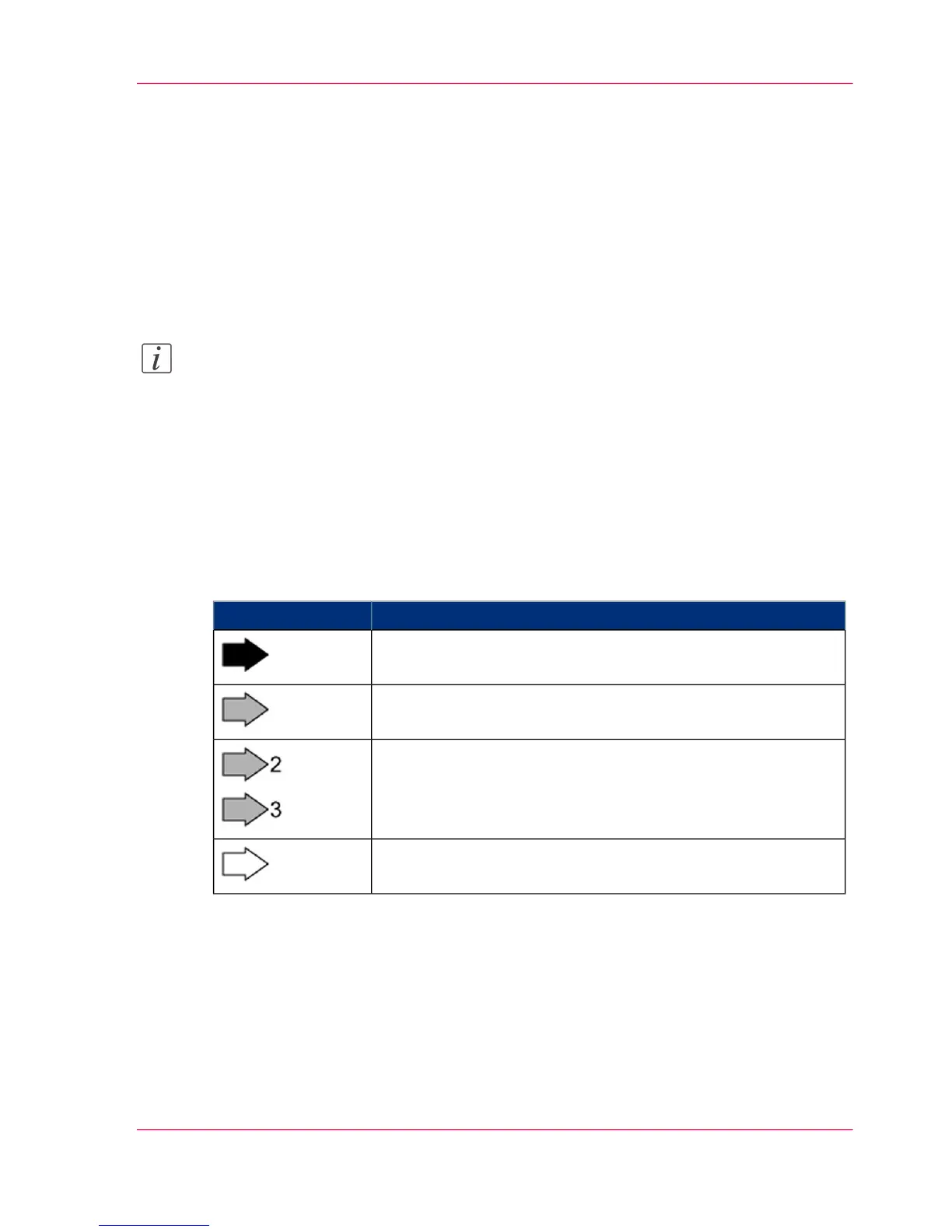
Arrows
Arrows denote the positions where you should perform an action or observe something
in particular. The colors of the arrows denote the type of actions and the sequence in
which they are performed:
#
MeaningArrow
Black arrow: Direction arrow
Perform this action first
Grey arrow: Direction arrow
Perform this action next
If further actions are depicted in an illustration, the numbers
on the arrows indicate the sequence of these further actions.
White arrow: Note arrow
An action should be performed in this area.
Overview Graphics
To provide a clear overview, the VarioStream 9000 and ColorStream printing systems
also indicate the side of the printing system where the action is to be performed.
Chapter 1 - Notes on the Printing System Documentation 25
Symbols in figures



 To Next Page