Processing messages on the operator panel
Introduction
All error messages, warnings and information are displayed on the operator panel, sorted
by priority and time.
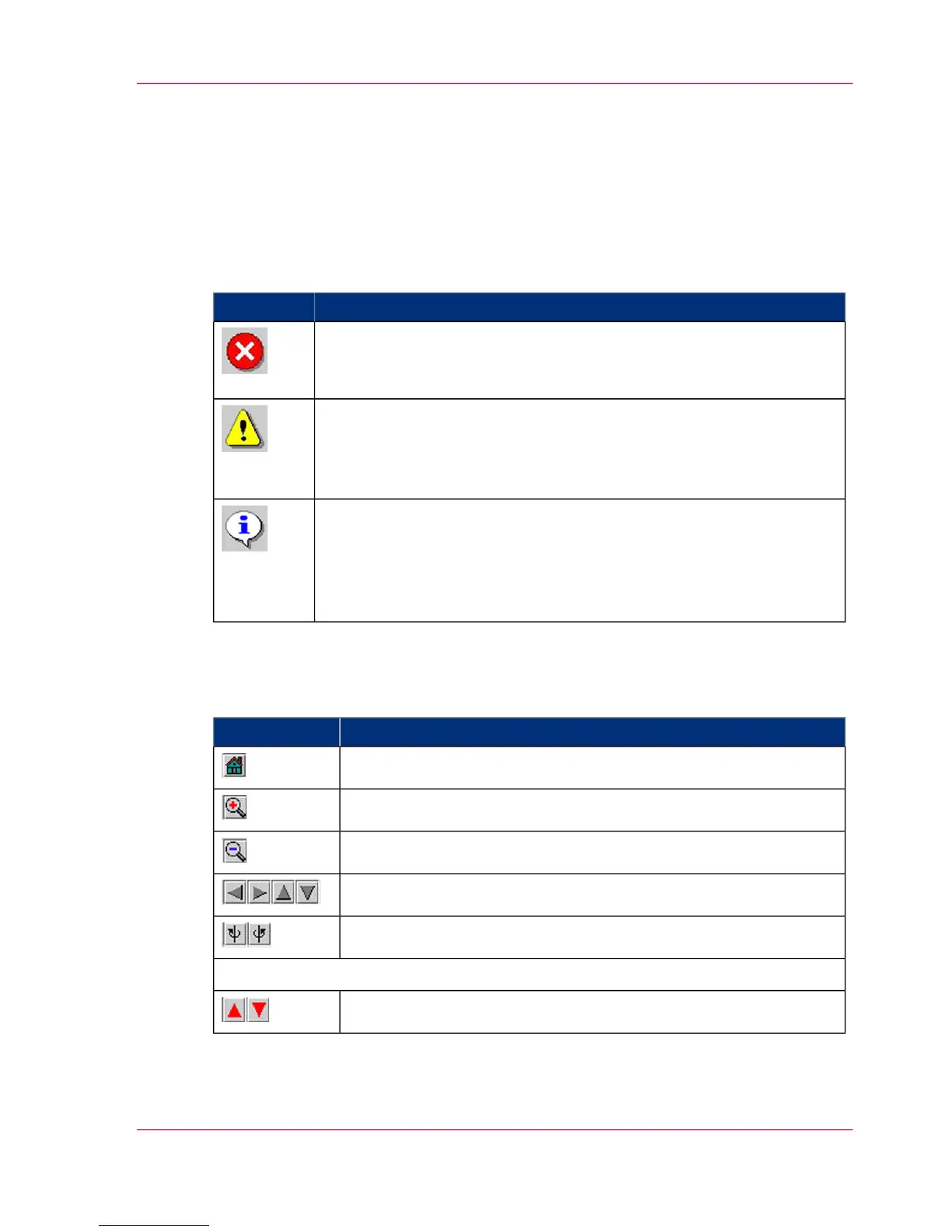
The icons at the start of the line indicate the priority:
#
MeaningIcon
Error message
When an error occurs, the printing system stops and the button in the
toolbar flashes.
Warning
When there is a warning, the printing system continues to print and
the button flashes in the toolbar.
If there is also an error message, the error message icon flashes too.
Information
When there is information, the printing system also continues to print,
and the button flashes in the toolbar.
If there is also a warning, the warning icon flashes.
If there is also an error message, the error message icon flashes too.
Controlling the Printer View
#
FunctionButton
Switches back to the preset standard view after modifications.
Zooms in on the current printer view.
Zooms out from the current printer view.
Shifts the visible cutout in the direction of the arrow.
Turns the printer view in the respective direction.
The following additional buttons are available in the 'Errors and warnings' menu:
Switches to the previous/next message.
Chapter 10 - Correcting Errors 475
Processing messages on the operator panel



 To Next Page