FunctionButton
Changes the view between:
■
only list of 'Errors and warnings', without printer view
■
list of 'Errors and warnings' with printer view
■
only printer view, without list of 'Errors and warnings'
To edit messages on the operator panel
#
Proceed as follows:
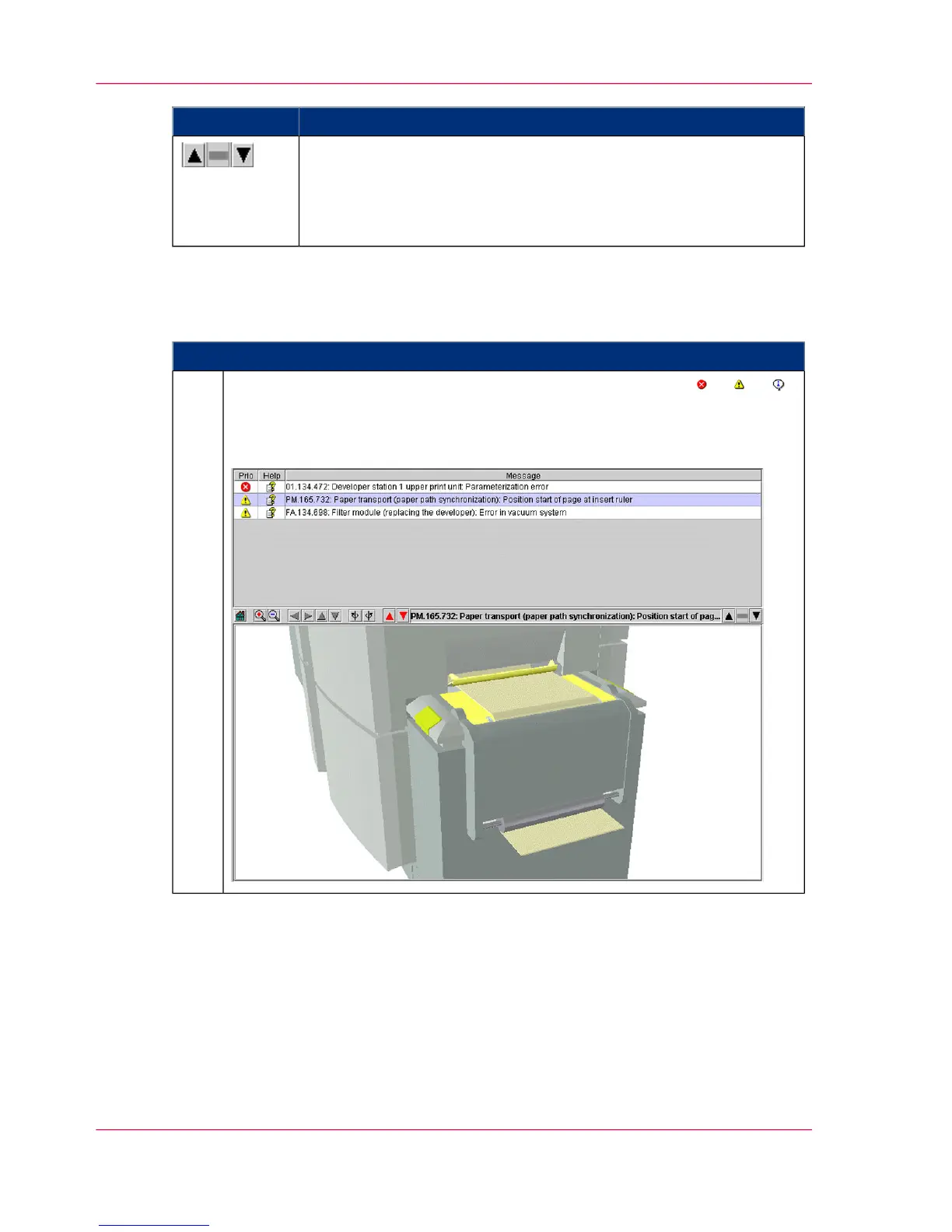
To edit a message, click on the respective button in the toolbar: or or .
The 'Errors and warnings' menu is displayed. All error messages, warnings and
information messages that have occurred are listed in the upper area, sorted
by priority and time.
1.
Chapter 10 - Correcting Errors476
Processing messages on the operator panel



 To Next Page