Proceed as follows:
Click on the message in the 'Errors and warnings' list.
Additional information on this message is displayed in the lower area:
- Either the relevant component is located in the three-dimensional printer
view...
- Or a button with a link to the menu in which the problem can be corrected
is displayed:
If settings in multiple menus have to be changed, these menus are displayed
for selection.
- Or a button is displayed to reset an error message quickly:
2.
Press the F1 button or click the button next to the error message.
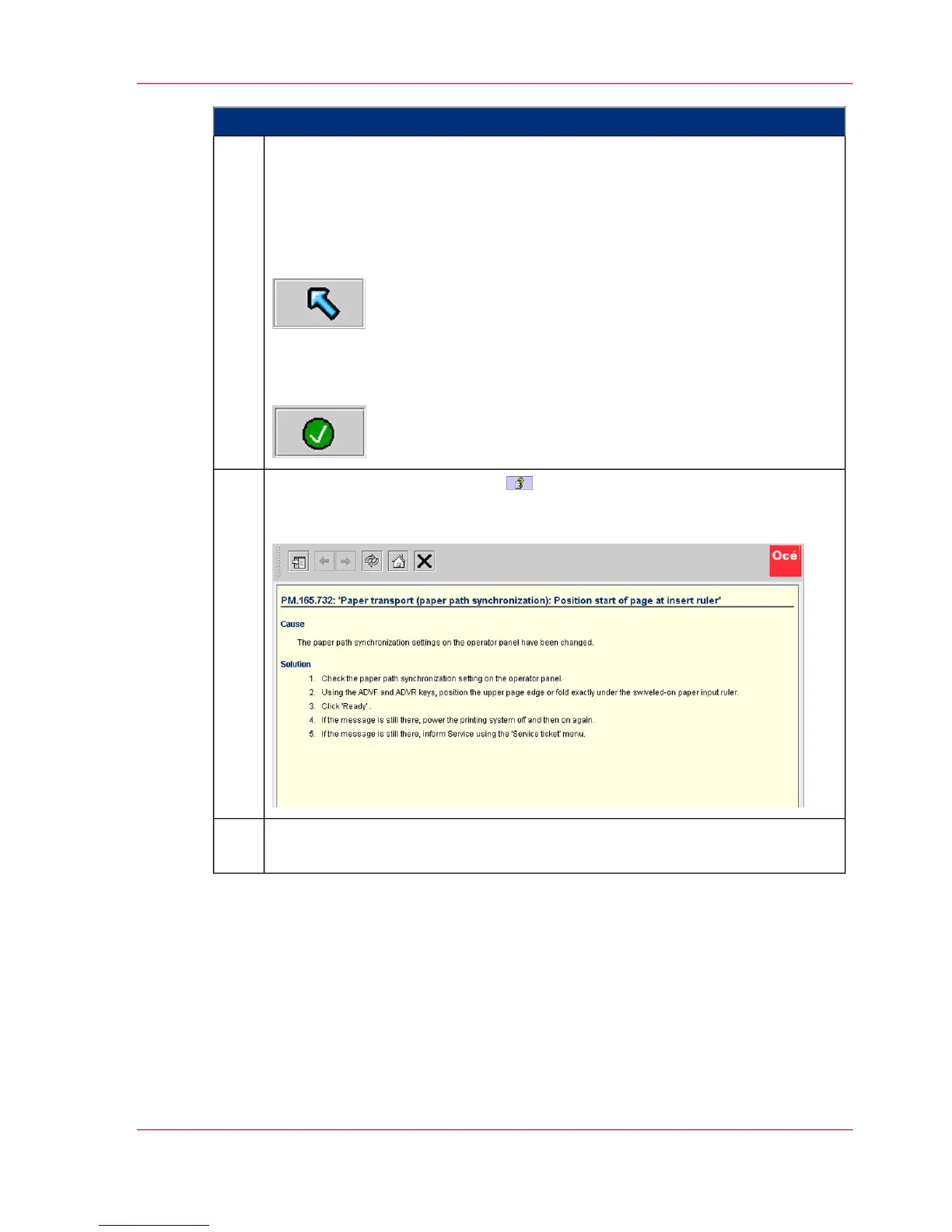
The context-sensitive Direct Help appears for the selected message. It contains
detailed information on the cause of the error and how to correct it, e.g.:
3.
Eliminate the reason why printing stopped as indicated by the information in
the error message.
4.
Chapter 10 - Correcting Errors 477
Processing messages on the operator panel



 To Next Page