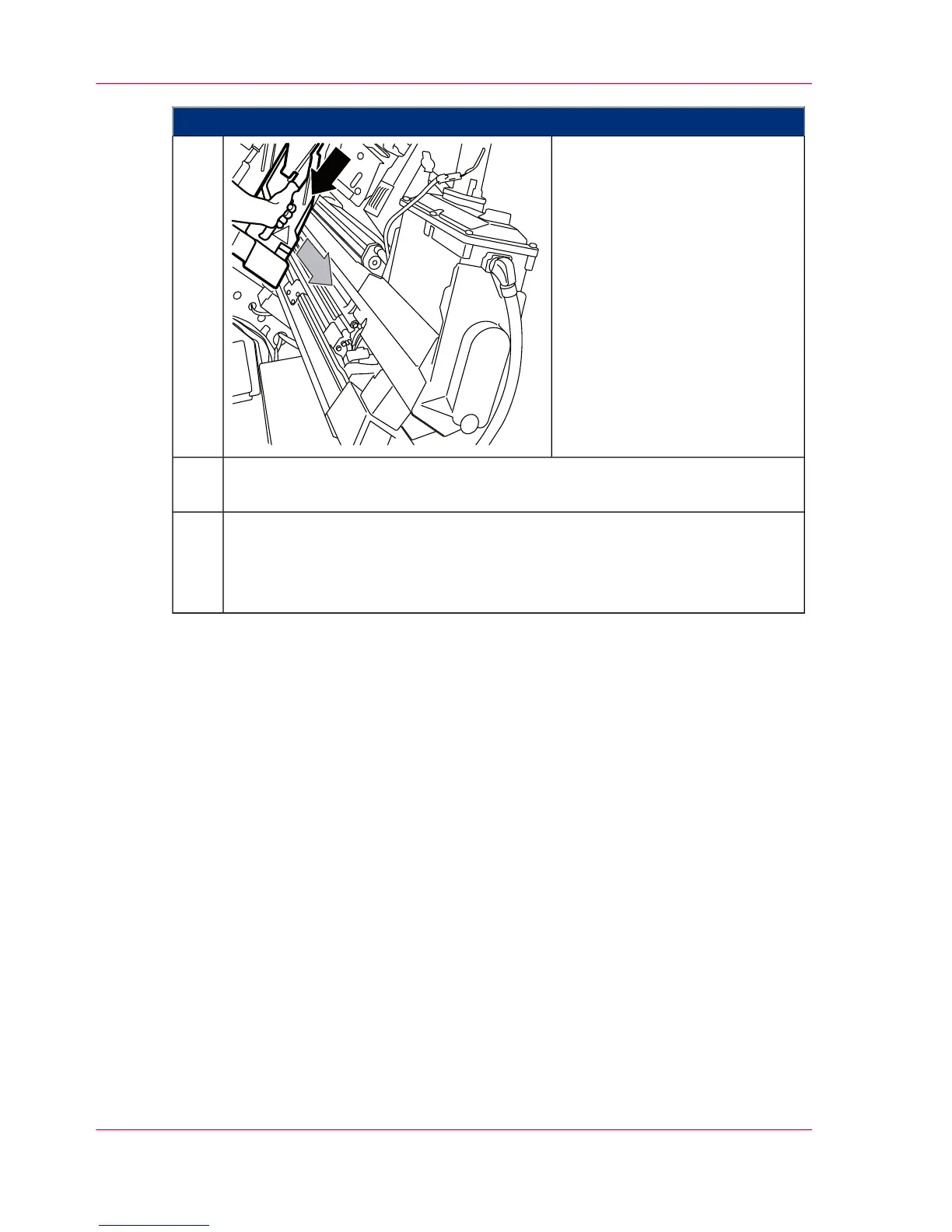
Proceed as follows:
Pull the lock downwards and
then pull the light protection
cover out of the guides by the
handle.
5.
Remove further light protection covers as necessary. To do so, repeat the process
from step 4.
6.
If a developer station is to be installed instead of the light protection cover:
‘Installing the developer station’ on page 189.
If a light protection cover is to be re-installed: ‘Installing the Light Protection
Cover’ on page 197.
7.
Chapter 6 - Operating the Printing System196
Removing the Light Protection Cover



 To Next Page