Cleaning the Paper Input
Caution:
There can be a high build-up of static charge when vacuuming the toner spill.
Always use an industrial vacuum cleaner with a grounded suction tube, rubber nozzle
and filter set for fine dust. For larger toner quantities, the industrial vacuum cleaner must
be explosion-proof.
Caution:
Before cleaning, observe the safety directives in the ‘Cleaning the Printing System —
Overview’ on page 268 section.
To Clean the Paper Input
#
Proceed as follows:
If the printing system has not yet stopped, click the 'Stop' button.1.
On the operator panel, select the following menus and elements:
■
'Replace consumables' -> 'Cleaning the printing system' menu
■
'Select cleaning function': 'Clean paper input'
■
Click the 'Next' button.
2.
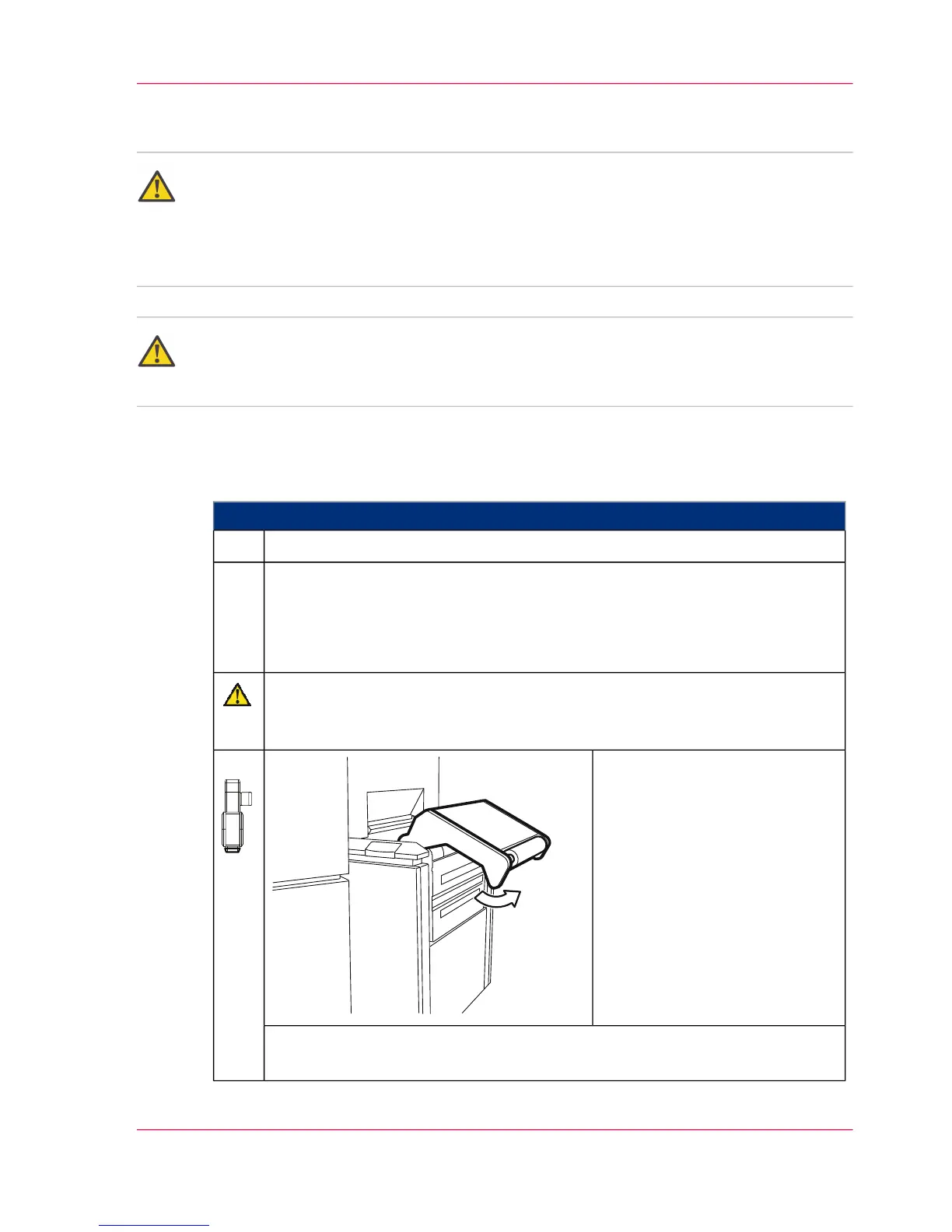
Caution
The paper input rocker opens automatically.
Do not stand directly in front of the rocker.
Click the 'OK' button to start
cleaning the paper input.
The paper input rocker is
opened.
3.
For information on the icons displayed on the operator panel under 'Steps',
see ‘Explanation of icons’ on page 134.
Chapter 7 - Cleaning the Printing System 283
Cleaning the Paper Input



 To Next Page