Index
Introduction
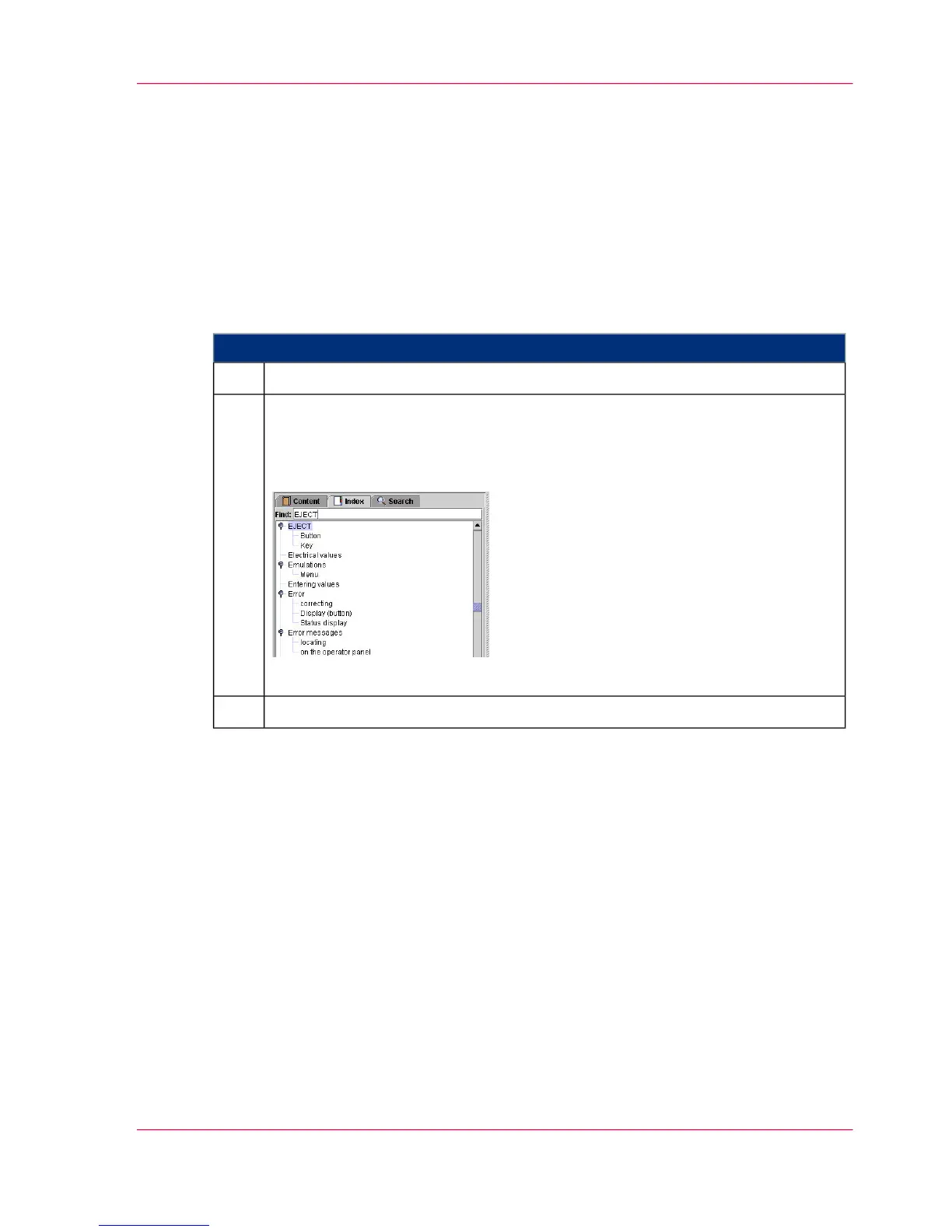
Entries on the 'Index' tab are sorted alphabetically. Any number of secondary keywords
can be attached to a primary keyword.
To select information via the Index
#
Proceed as follows:
Click on the "Index" tab.1.
Scroll through the index entries
or
enter text (including partial words) into the 'Search' field and press Enter.
Example:
[14]
2.
Click on a help topic3.
Chapter 1 - Notes on the Printing System Documentation 19
Index



 To Next Page