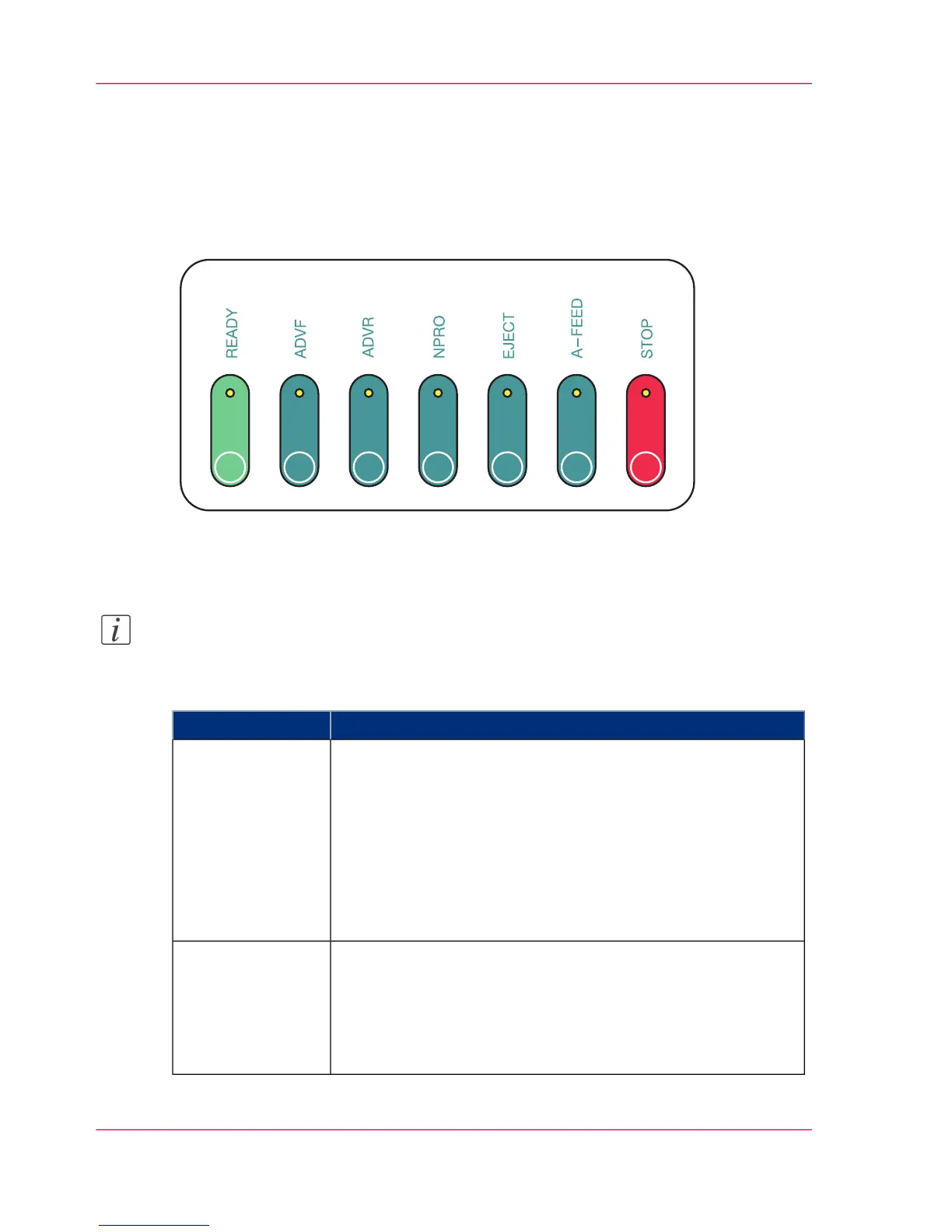
Additional Operator Panels
Three Key Operator Panels
Three additional identical key operator panels are located on the corners of the printing
system.
Function of the Keys
Note:
The function of the keys corresponds to the function of the buttons in the operator
panel toolbar (see ‘Buttons and Displays in the Left Area’ on page 84).
#
FunctionKey
Switches the printing system to ready for operation again from
the 'Stop' or 'Operator intervention necessary' statuses.
Requirements:
■
No errors present
■
Controller and system control are ready
Additional function: With the READY key, print operation
can also be interrupted to check the printed paper web (see
‘Checking the print image ’ on page 199).
READY
Moves the paper slowly forwards without fusing while the but-
ton is being pressed. The paper speed increases the longer you
press the button. However, synchronization is lost.
Requirement:
■
This function can only be executed in the 'Stop' status.
ADVF
(= ADVanced
Forward)
Chapter 3 - Description of the Printing System70
Additional Operator Panels



 To Next Page