Closing Right Doors
To Close the Doors on the Right-Hand Side
#
Proceed as follows:
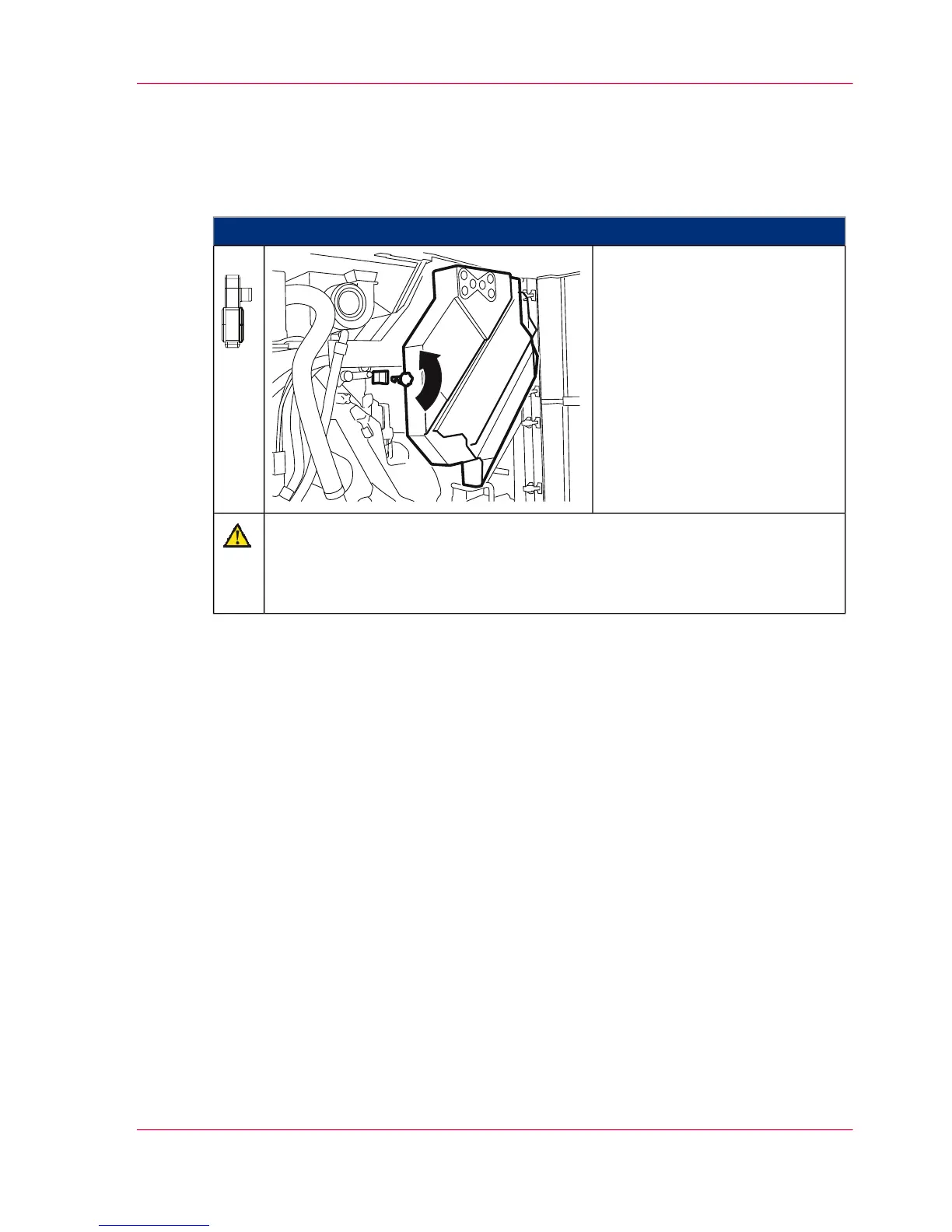
On the right-hand side of the
printing system, close the inner
door.
Bring the latch to a horizontal
position, lift up the inner door
slightly using the handle and in-
sert into lock.
1.
Caution
The center cover is connected to a printing system switch via a pin.
Ensure that the pin is exactly in front of the switch when you attach the center
cover.
Chapter 6 - Operating the Printing System 159
Closing Right Doors



 To Next Page