Proceed as follows:
■
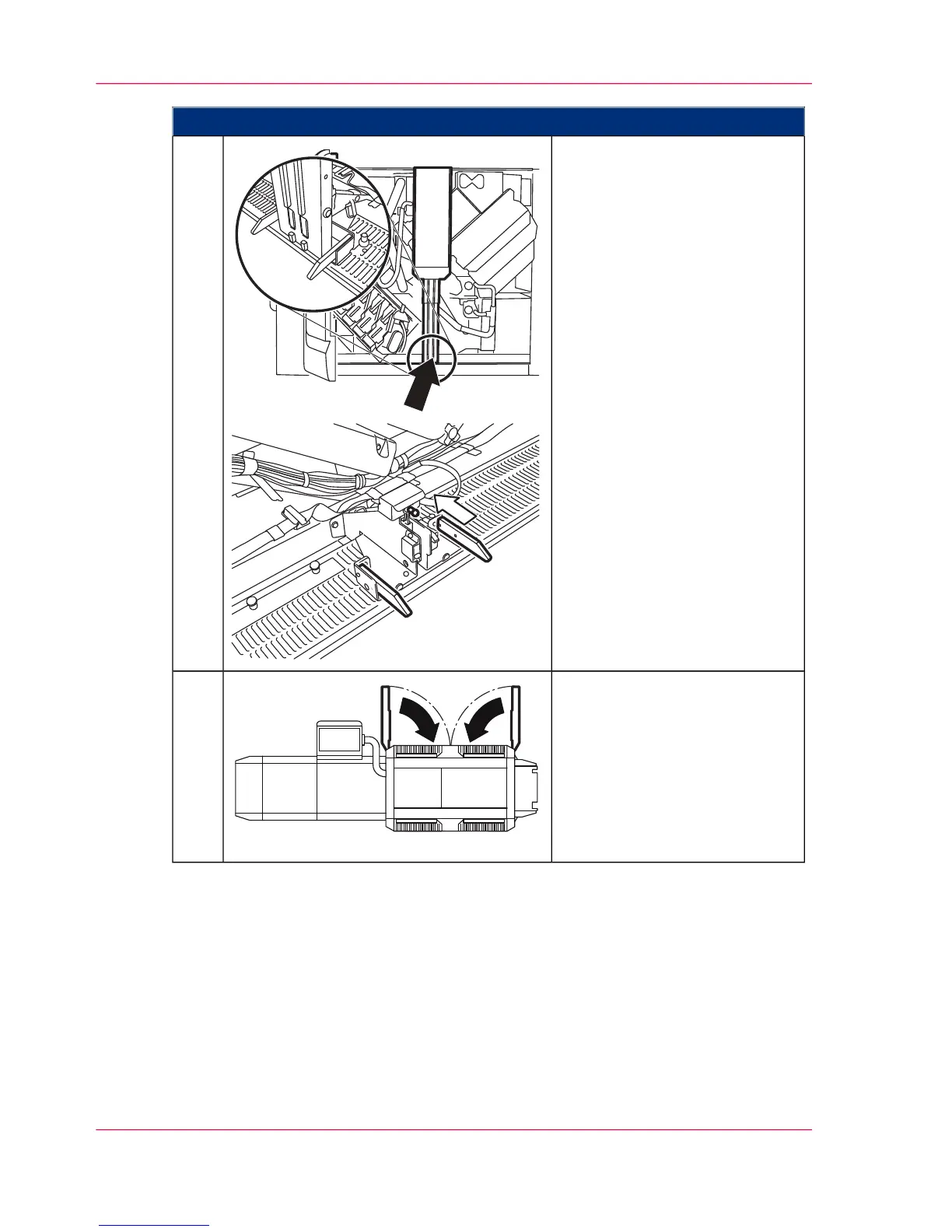
First attach the center cover
above.
■
Push the bottom of the cen-
ter cover against the printing
system until it latches into
place. The pin must be exact-
ly in front of the switch .
2.
Close doors.3.
Chapter 6 - Operating the Printing System160
Closing Right Doors



 To Next Page