Buttons and Displays in the Center Area
Buttons
#
FunctionButton
Switches to the buttons under 'Job control' in the 'Emula-
tions' menu.
'Job control'
Switches to the 'Channels' menu.
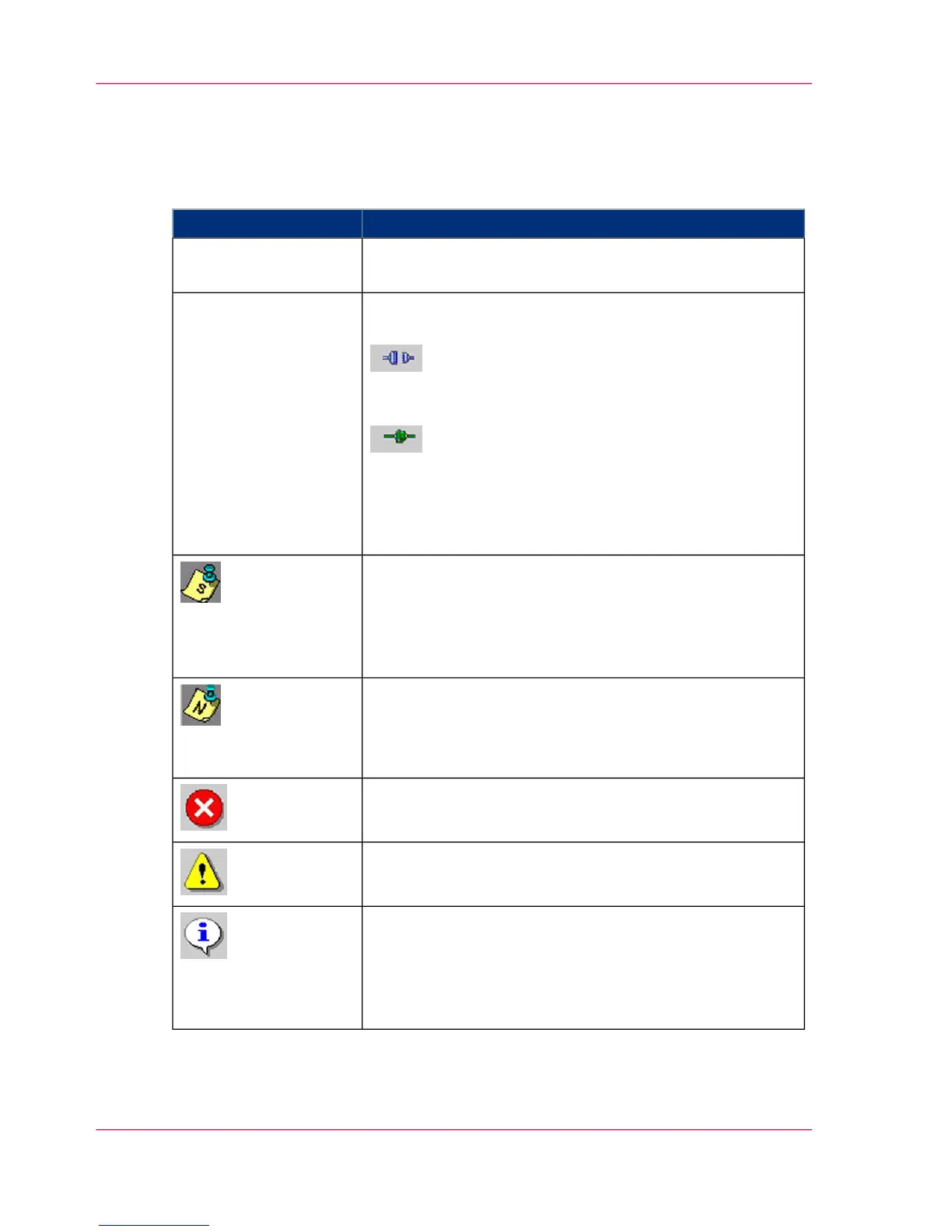
The following buttons are available here:
Activates the channel, the printing system is online. The
connecting icon is closed.
Deactivates the channel, the printing system is offline. The
connecting icon is opened.
During the time required to activate or deactivate a channel,
the connecting icon is displayed in yellow.
'Channel control'
If a message was also transmitted by the data stream, this
icon is displayed.
Click here to switch directly to the 'Job preparation' tab in
the 'Job setup' menu. The complete message will be dis-
played there.
If there is a new message from another user, this icon is
displayed.
Click here to switch directly to the 'Notes' menu. All notes
or messages are displayed here.
Flashes when there is an error message.
Flashes when there is a warning.
Flashes when there is information.
When there is no error message, warning or information,
this button is hidden.
Clicking this button switches to the 'Errors and warnings'
menu.
Chapter 4 - Description of the Operator Panel86
Buttons and Displays in the Center Area



 To Next Page