Permitting or Blocking Remote Diagnosis
Introduction
Service can make a remote diagnosis during printing using remote access if this has been
agreed beforehand.
To Enable Remote Diagnosis
#
Proceed as follows:
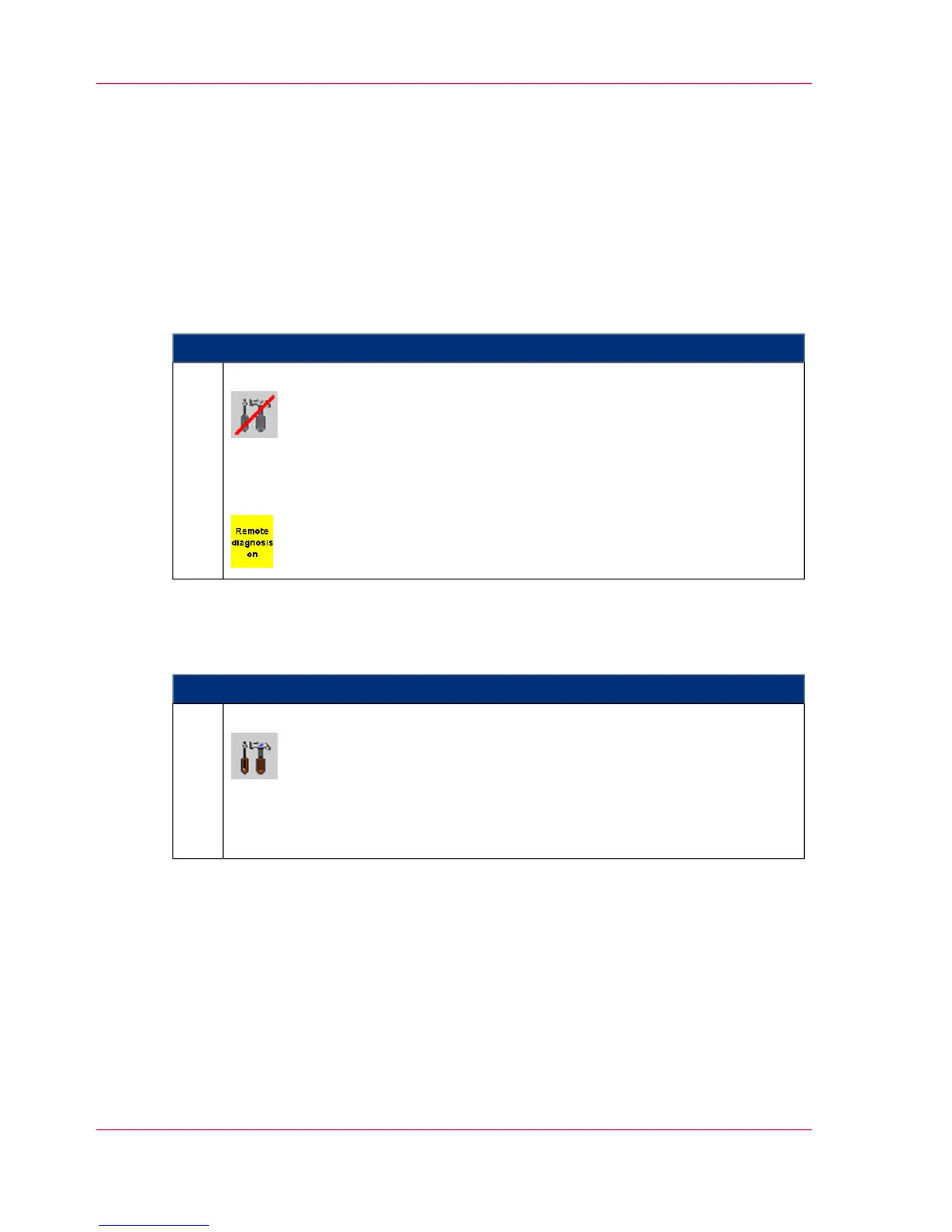
Click on the following button in the toolbar:
or click the 'Remote diagnostics disabled' button in the 'Configuration' ->
'Special functions' -> 'Remote diagnostics' menu.
The status display shows that remote diagnosis is enabled:
1.
To Disable Remote Diagnosis
#
Proceed as follows:
Click on the following button in the toolbar:
or click the 'Remote diagnostics permitted' button in the 'Configuration' ->
'Special functions' -> 'Remote diagnostics' menu.
'Remote diagnostics disabled' is displayed.
1.
Chapter 10 - Correcting Errors480
Permitting or Blocking Remote Diagnosis



 To Next Page