Completing developer station replacement
To Complete the Replacement of the Developer Stations
#
Proceed as follows:
Caution
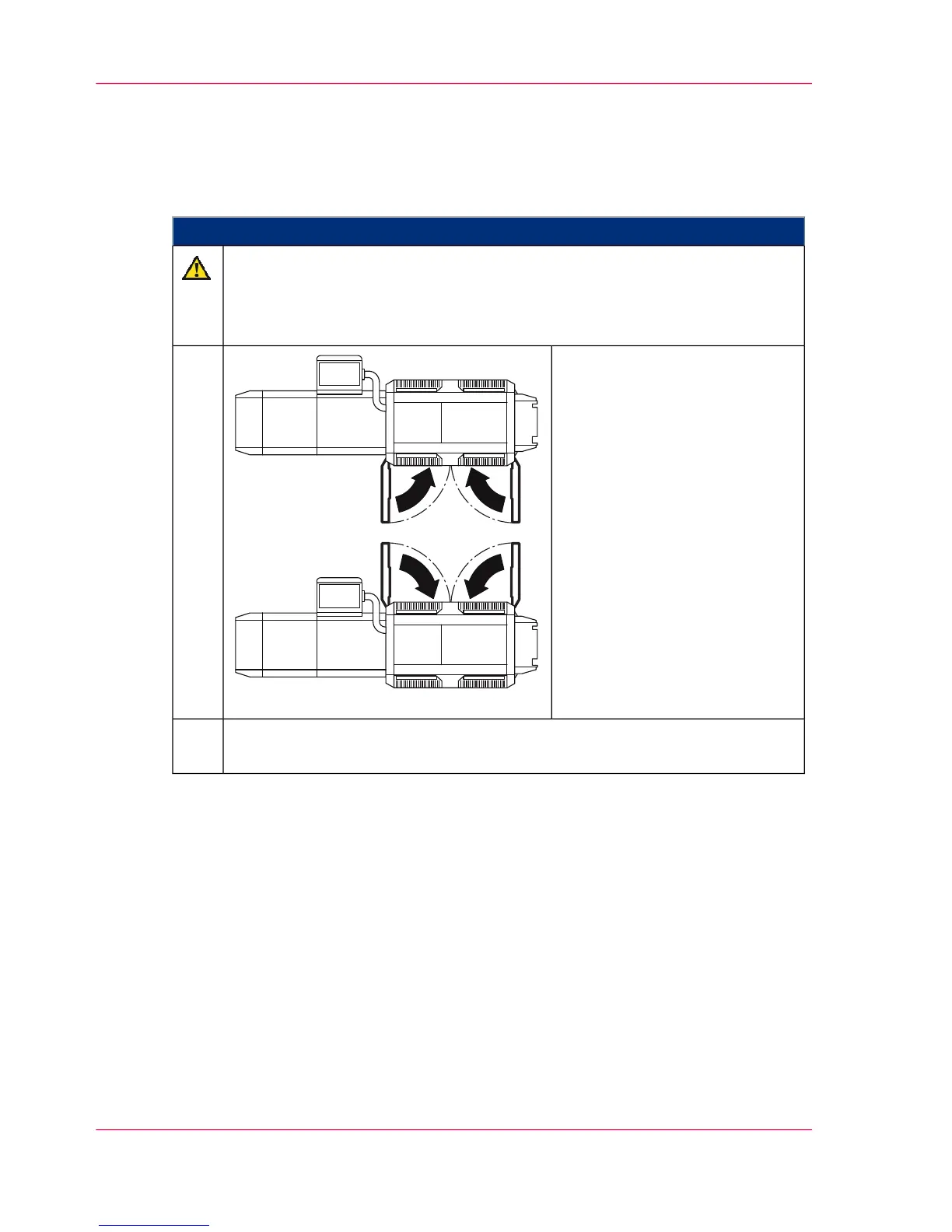
Observe the position of the cooling air tubes
Make sure that the cooling air tubes are positioned in such a way that they do
not obstruct the developer stations when swiveling on.
Close all doors.1.
To swivel on the developer stations again and complete the replacement, click
the 'Stop' button.
2.
Chapter 6 - Operating the Printing System198
Completing developer station replacement



 To Next Page