Notes on the Printing System Documentation — Overview
Introduction
The purpose of this documentation is to ensure that all printing system-related work is
carried out safely and correctly. It contains safety directives that must be strictly observed.
Each section is divided into small, easy-to-understand subject areas. Overviews at the
beginning of the sections help you to find the precise information you are looking for
quickly.
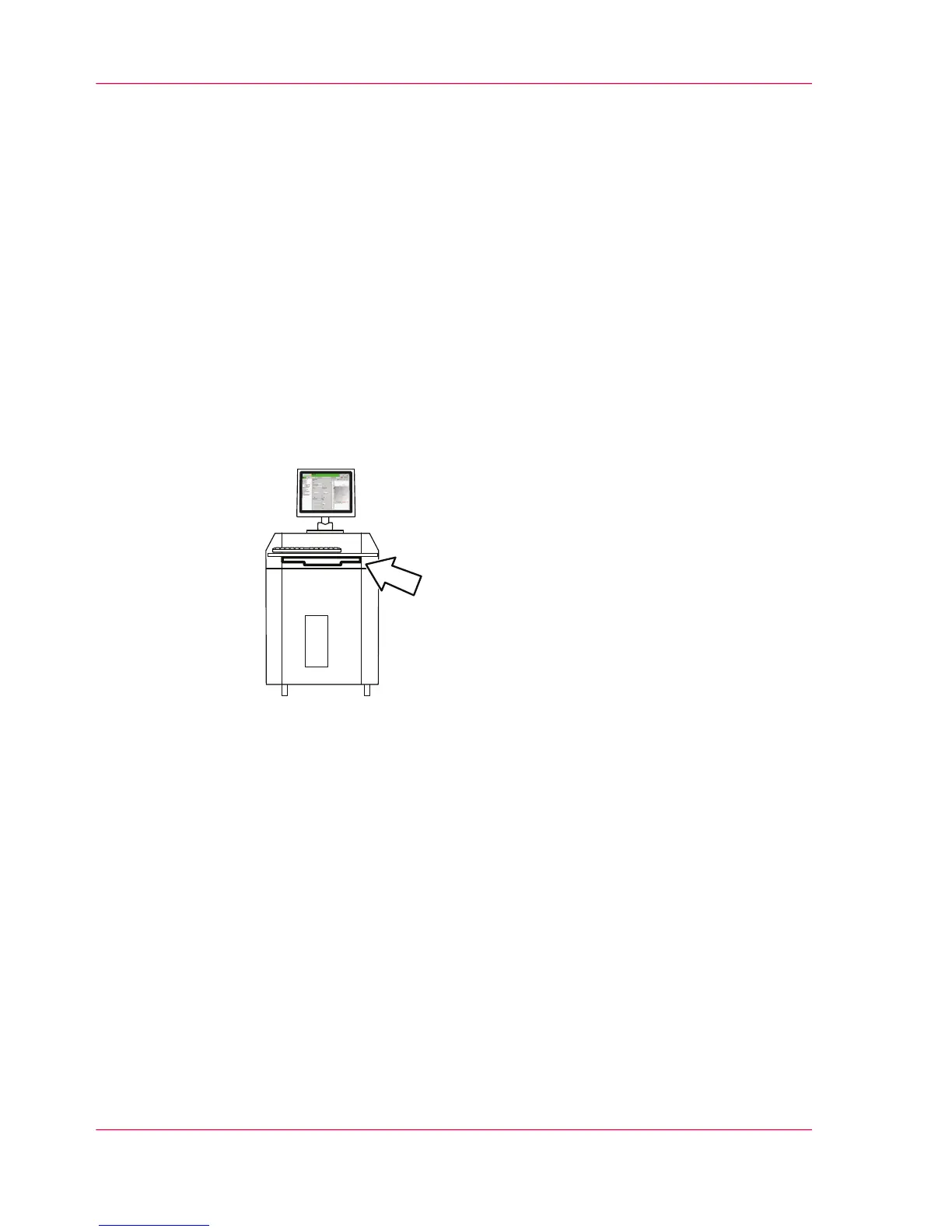
Storage Tray for the User Guide
The user guide should always be kept near the console in the storage tray.
Overview
You will find information on the following topics:
■
‘Guide through the Documentation’ on page 13
■
‘Notes on the Help - Overview’ on page 15
■
‘Symbols in the text’ on page 24
■
‘Symbols in figures’ on page 25
■
‘Other Documents’ on page 27
■
‘Manufacturer of the printing system’ on page 28
■
‘Statutory requirements’ on page 29
Chapter 1 - Notes on the Printing System Documentation12
Notes on the Printing System Documentation — Overview



 To Next Page