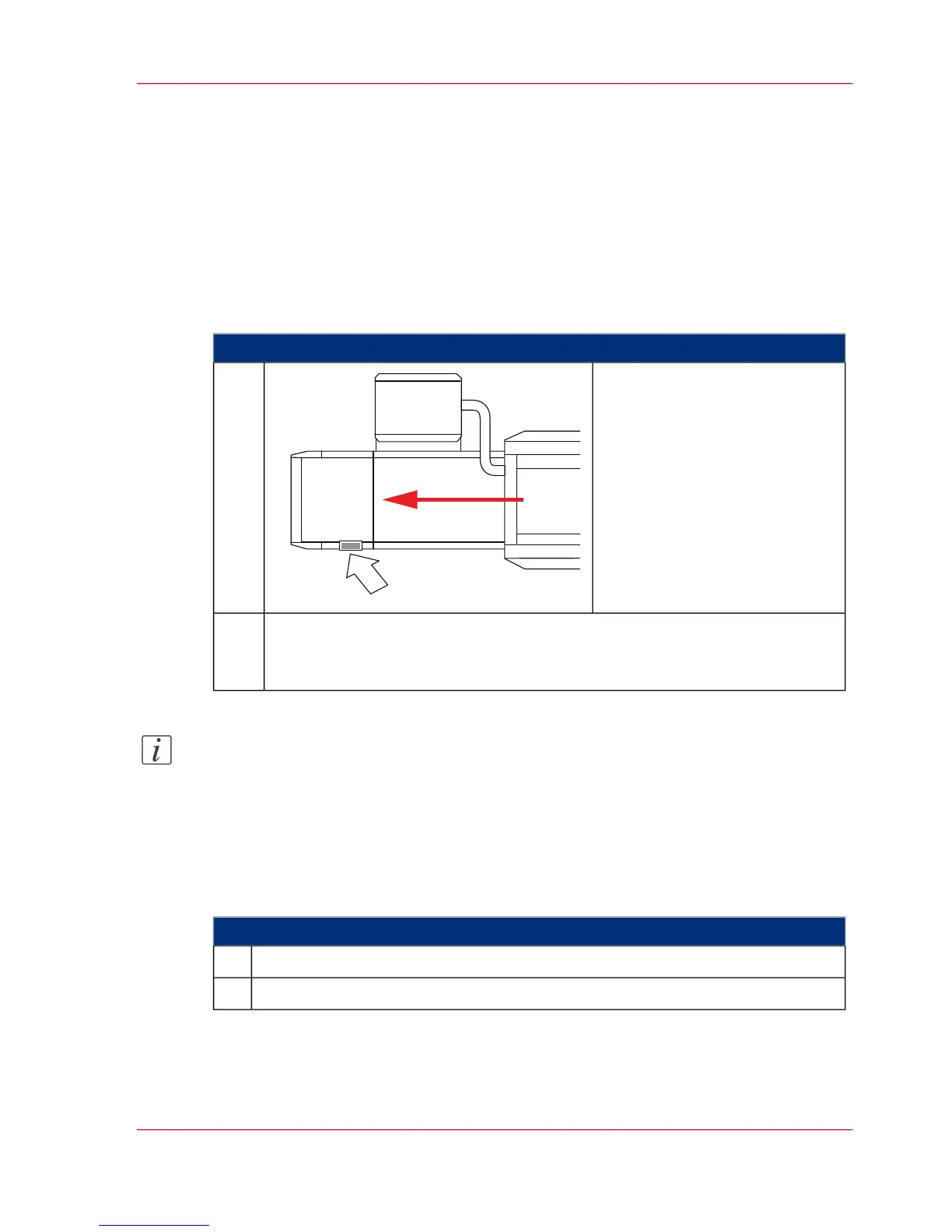
Checking the print image
Introduction
To check the printed paper web at the paper output, printing can be interrupted with a
Web Inspection Stop.
To Check the Print Image
#
Proceed as follows:
Press the 'Ready' button on an
additional operator panel during
printing.
The print operation is interrupt-
ed.
1.
Check the printed paper web.
After the preset length of time, the printing system continues printing without
a new initialization phase.
2.
Note:
If the 'Print speed' menu has been activated by Service for the "Key Operator" and
"Operator" user groups, the preset length of time of 50 seconds for the Web Inspection
Stop is changed.
To Change the Preset Length of Time for the Web Inspection Stop
#
Proceed as follows:
Call up the 'Configuration' -> 'Print parameters' -> 'Print speed' menu.1.
Set the length of time using the control slider under 'Web inspection'.2.
Chapter 6 - Operating the Printing System 199
Checking the print image



 To Next Page