Proceed as follows:
Click the 'OK' button to start adjusting the pressure rollers:
For information on the icons displayed on the operator panel under 'Steps',
see ‘Explanation of icons’ on page 134.
2.
Bring pressure roller 1 to the position shown on the operator panel, then click
the 'Next' button.
3.
Bring pressure roller 2 to the position shown on the operator panel, then click
the 'Next' button.
4.
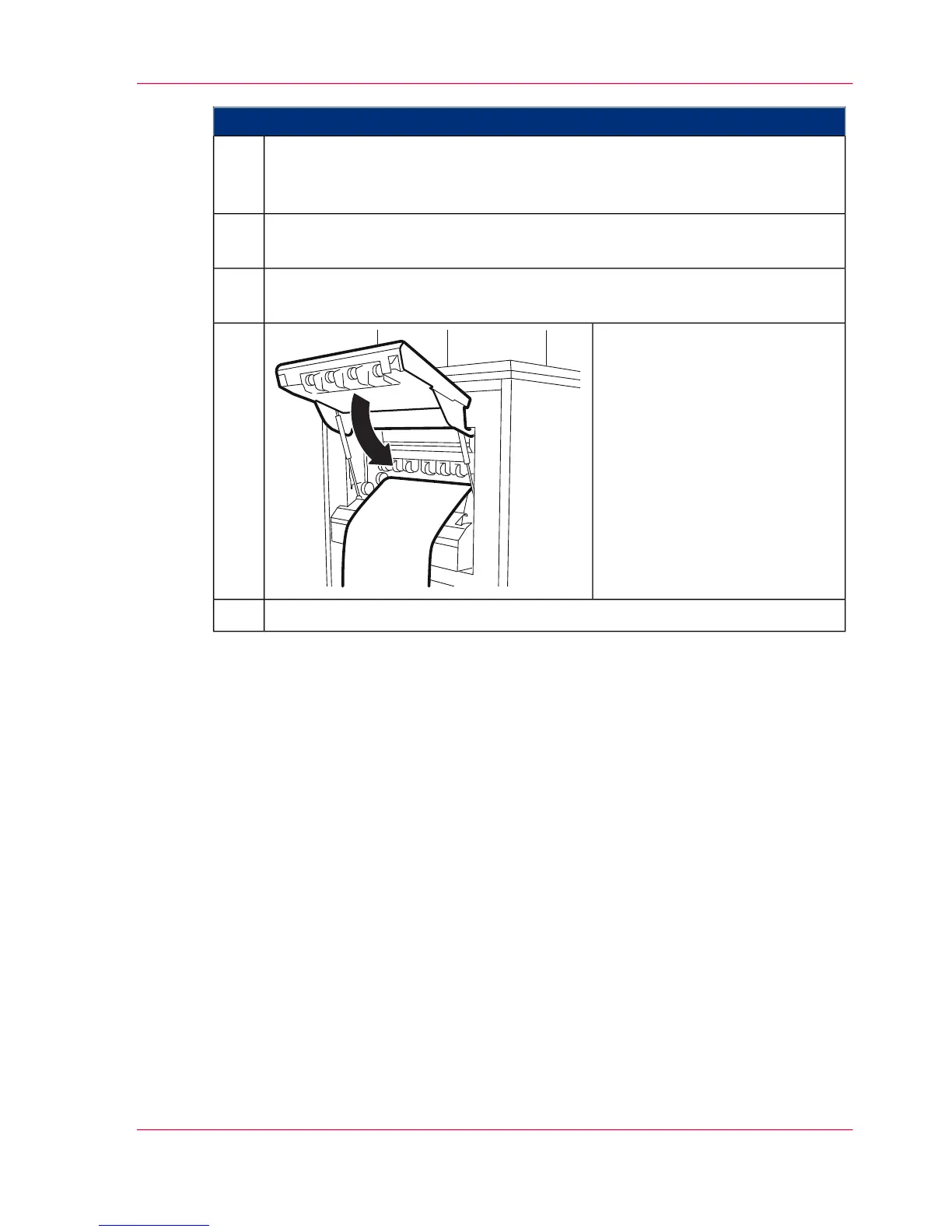
Close the paper output flap.5.
To complete pressure roller adjustment, click the 'OK' button.6.
Chapter 6 - Operating the Printing System 149
Adjusting the Pressure Rollers



 To Next Page