Proceed as follows:
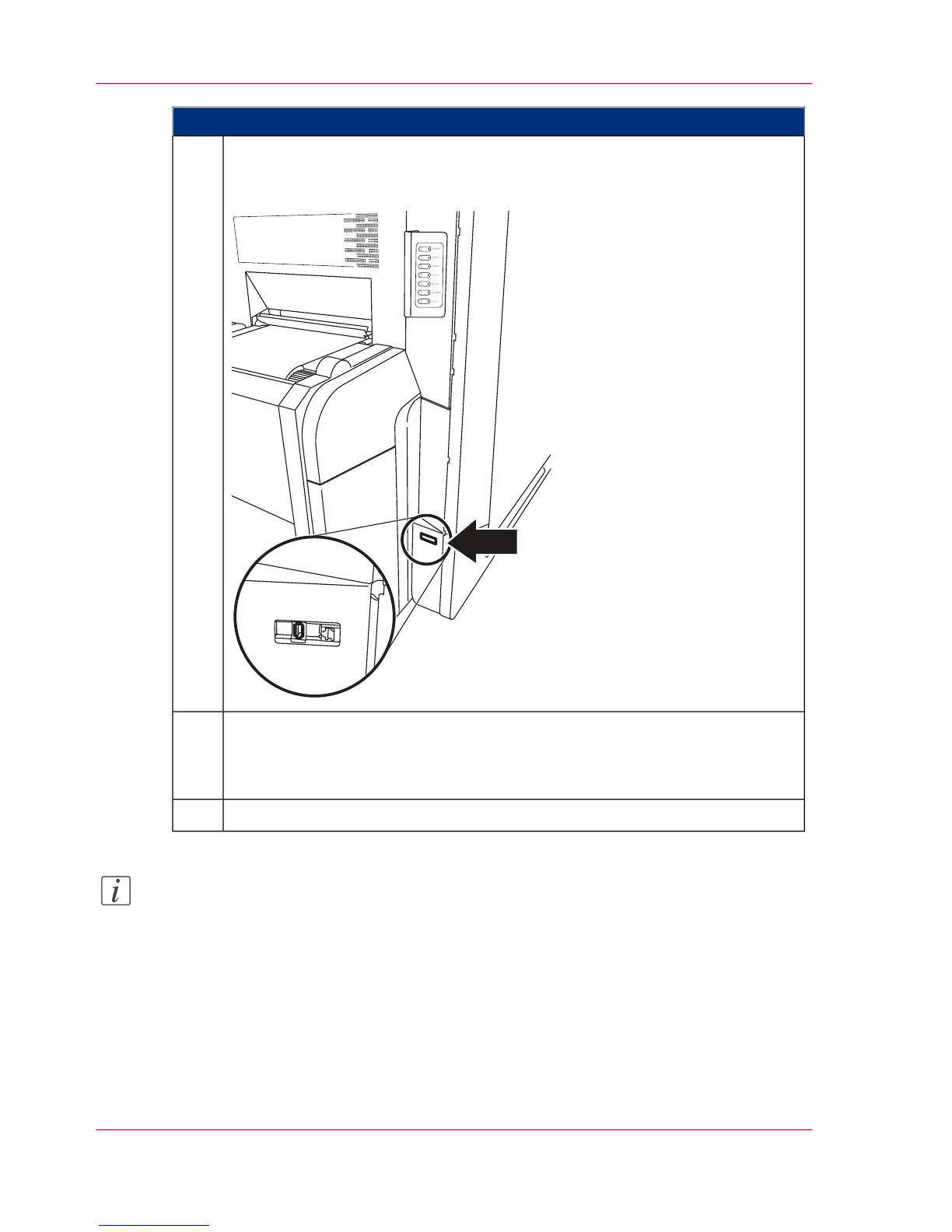
If importing from a USB memory stick:
Insert the USB memory stick with the setups into the USB port. The USB
port is located below the operator panel near the paper input.
5.
In the dialog window,
■
open the \transfer\ directory and
■
select one or more setups.
6.
Click the 'Import' button.7.
Note:
If a setup is imported containing values that have changed since the last import, detailed
information on the setup is displayed on the 'Import message' tab. If all values have re-
mained unchanged, the tab is not displayed.
Chapter 5 - Working with the Operator Panel126
Importing a Setup



 To Next Page