Proceed as follows:
Select where the setup is to be exported:
■
USB memory stick
■
Transfer area (a directory on the drive of the controller hard disk; used for
remote data transfer of setups)
5.
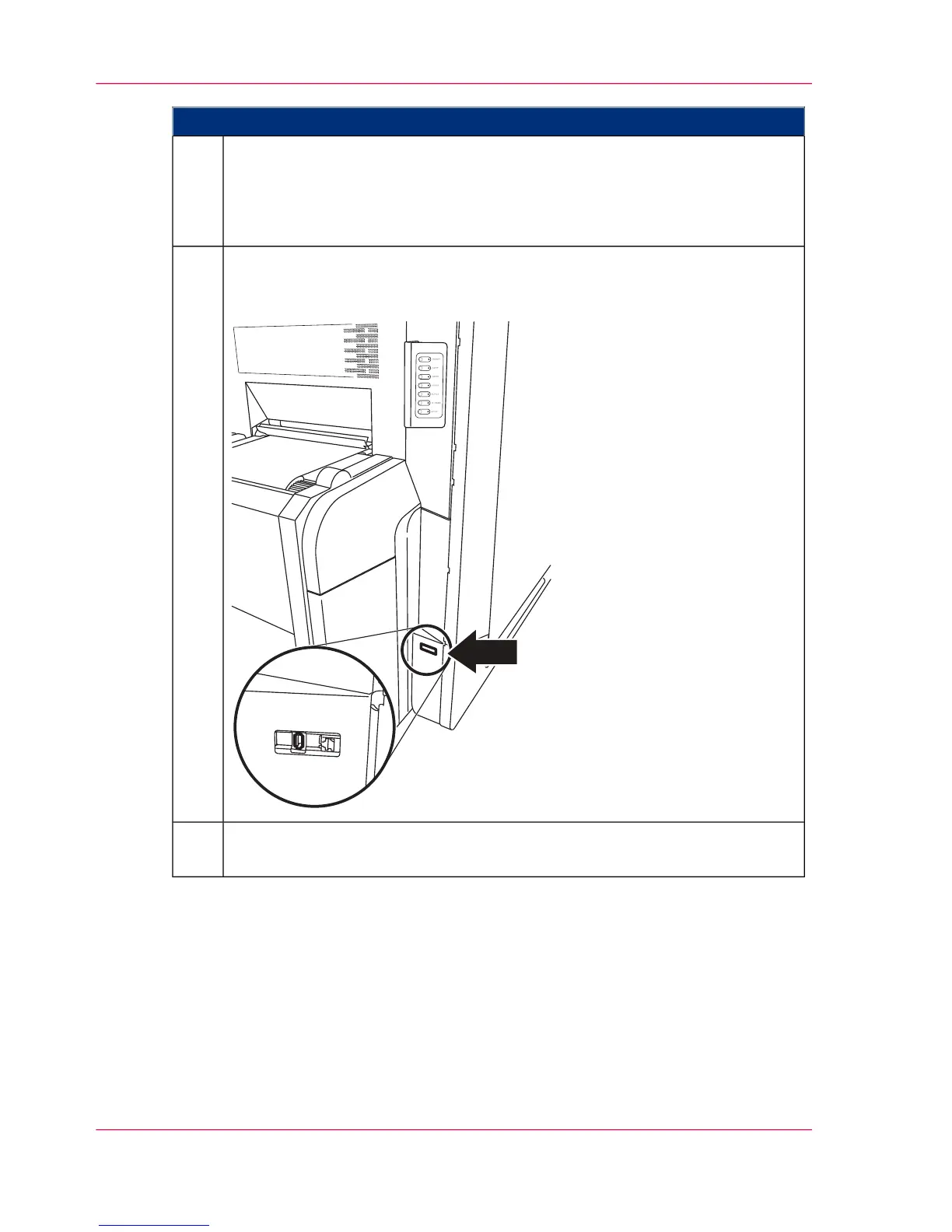
When exporting to a USB memory stick:
Insert the USB memory stick into the USB port. The USB port is located below
the operator panel near the paper input.
6.
Click the 'OK' button.
The setup is exported to the \transfer\ directory.
7.
Chapter 5 - Working with the Operator Panel128
Exporting a Setup



 To Next Page