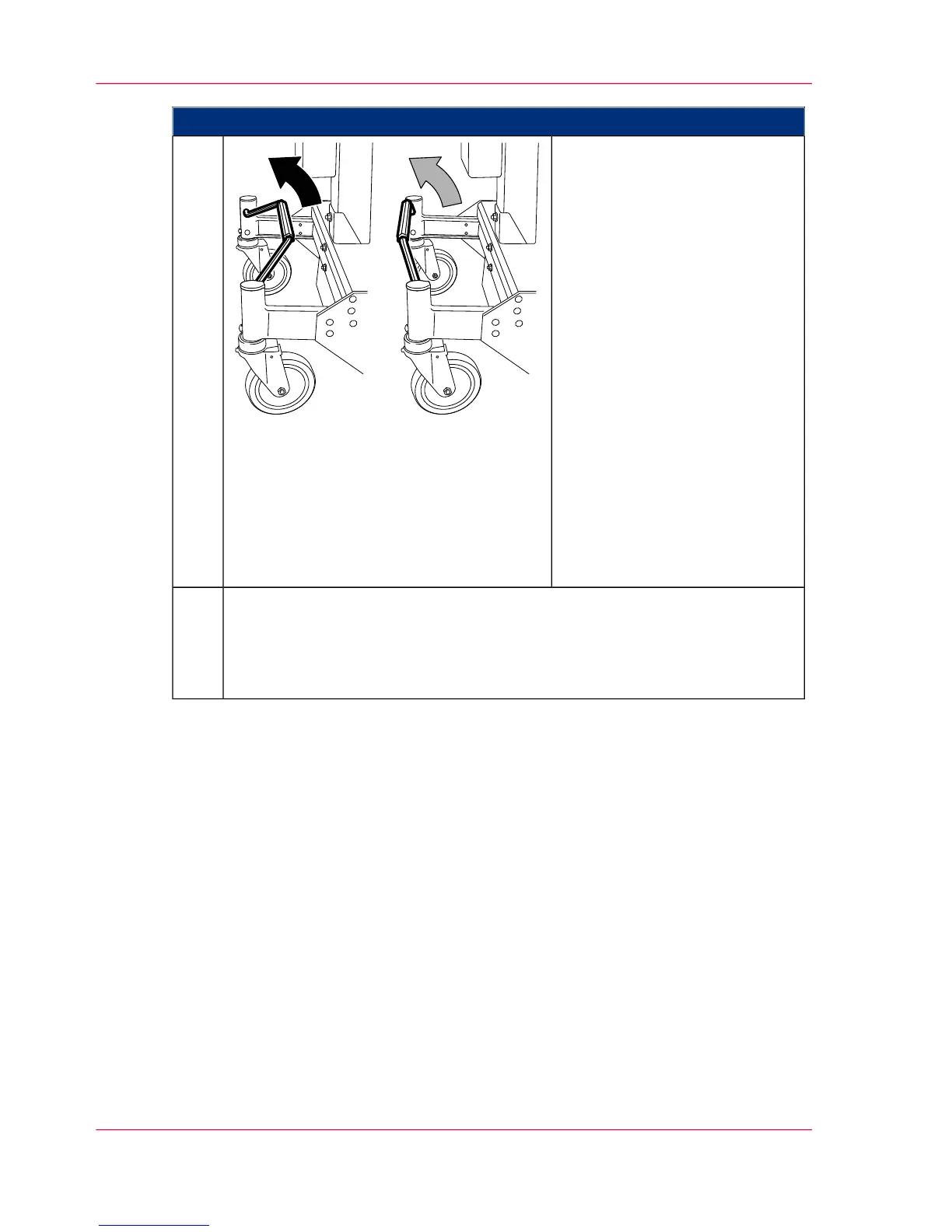
Proceed as follows:
Move the maintenance cart with
the developer station to the devel-
oper station shelf or to a stacking
tray:
■
To move a developer station
over a shorter section, move
the brake bracket to the cen-
ter position.
This means all four wheels
are free and the lift can be
freely moved.
■
To move a developer station
over a longer section, move
the brake bracket to the top
position.
This locks the rear left wheel
and the lift can only be
moved straight (forwards or
backwards).
13.
■
If the developer station is to be stored on the developer station shelf: ‘Storing
the Developer Station in the Developer Station Shelf’ on page 177.
■
If the developer station is to be stored on a stacking tray: ‘Putting the Devel-
oper Station on the Stacking Tray’ on page 181.
14.
Chapter 6 - Operating the Printing System176
Removing the developer station



 To Next Page