Proceed as follows:
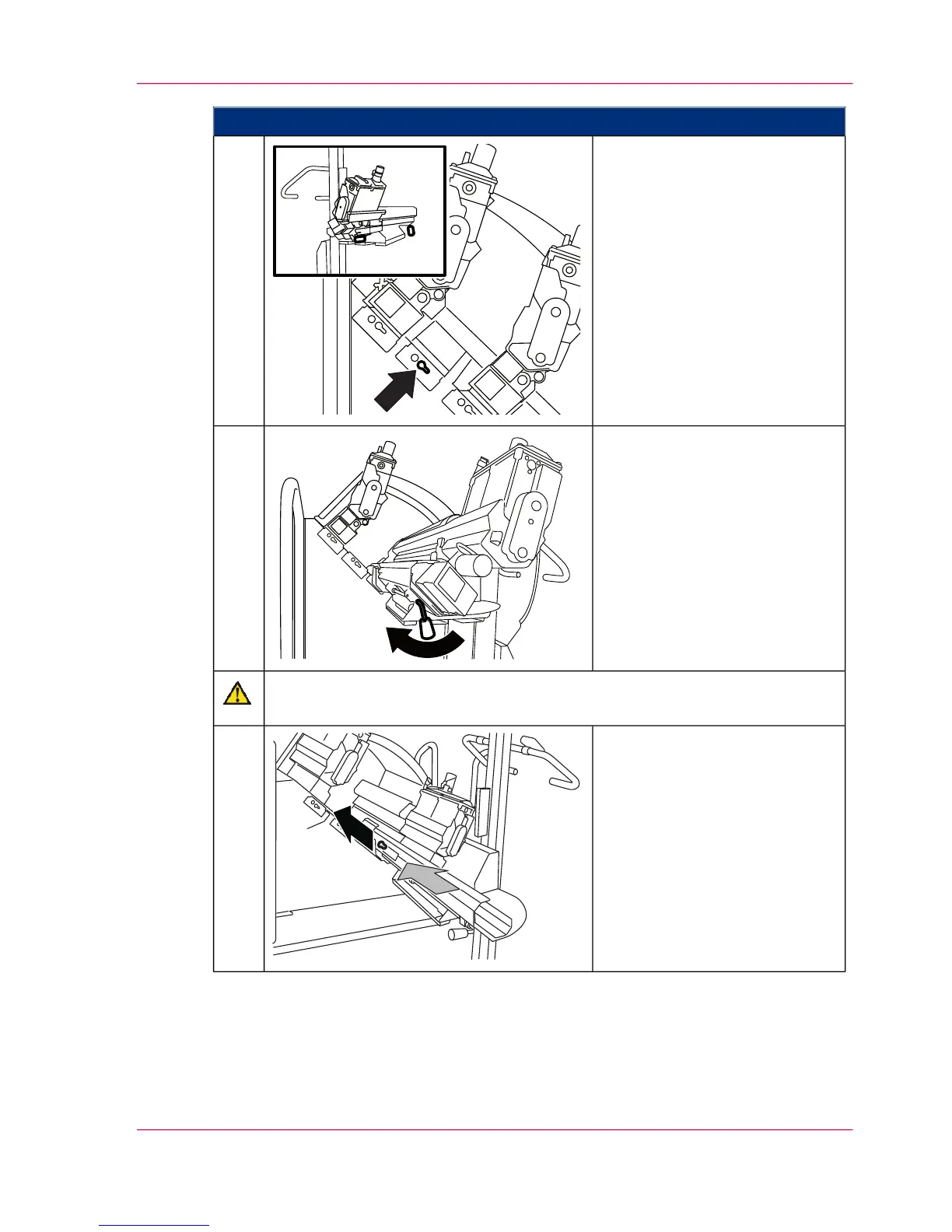
Carefully slide the hoisting lift
mandrel as far as it will go into
the notch below the developer
station.
If the hoisting lift mandrel does
not slide easily into the notch,
correct the height and/or align-
ment of the hoisting lift.
3.
Lock the hoisting lift and check
that it is properly secured by
pulling the replacement cart.
4.
Caution
Insert the developer station carefully to avoid damage.
Pull the locking bolt and push
the developer station carefully
and evenly into the developer
station shelf up to the stop point.
5.
Chapter 6 - Operating the Printing System 179
Storing the Developer Station in the Developer Station Shelf



 To Next Page