Proceed as follows:
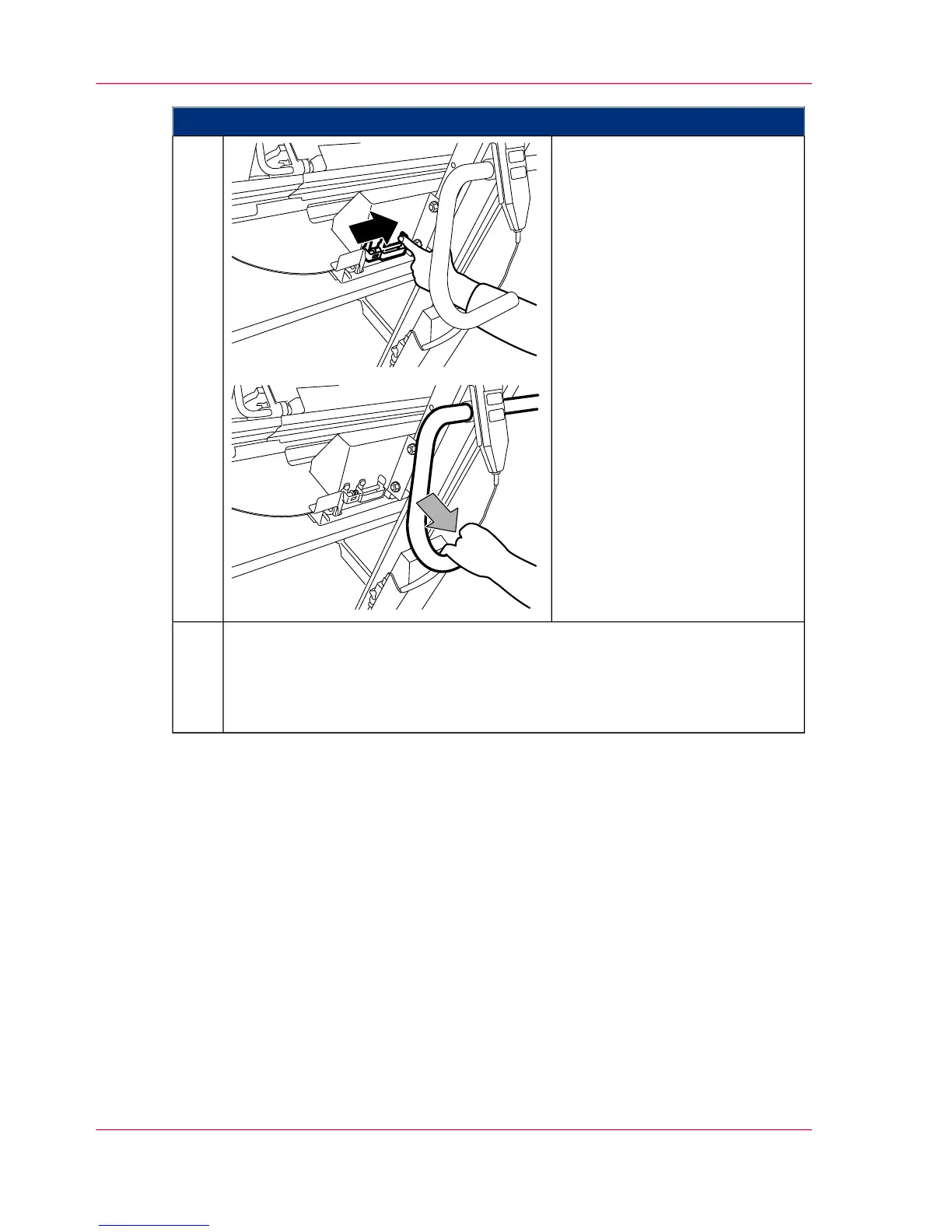
Release locking mechanism and
move the hoisting lift away from
the developer station.
2.
■
If a developer station is to be re-installed:
‘Replacing the Developer Station from the Stacking Tray’ on page 187.
■
If no developer station is to be installed, a light protection cover must be
fitted instead: ‘Installing the Light Protection Cover’ on page 197.
3.
Chapter 6 - Operating the Printing System182
Putting the Developer Station on the Stacking Tray



 To Next Page