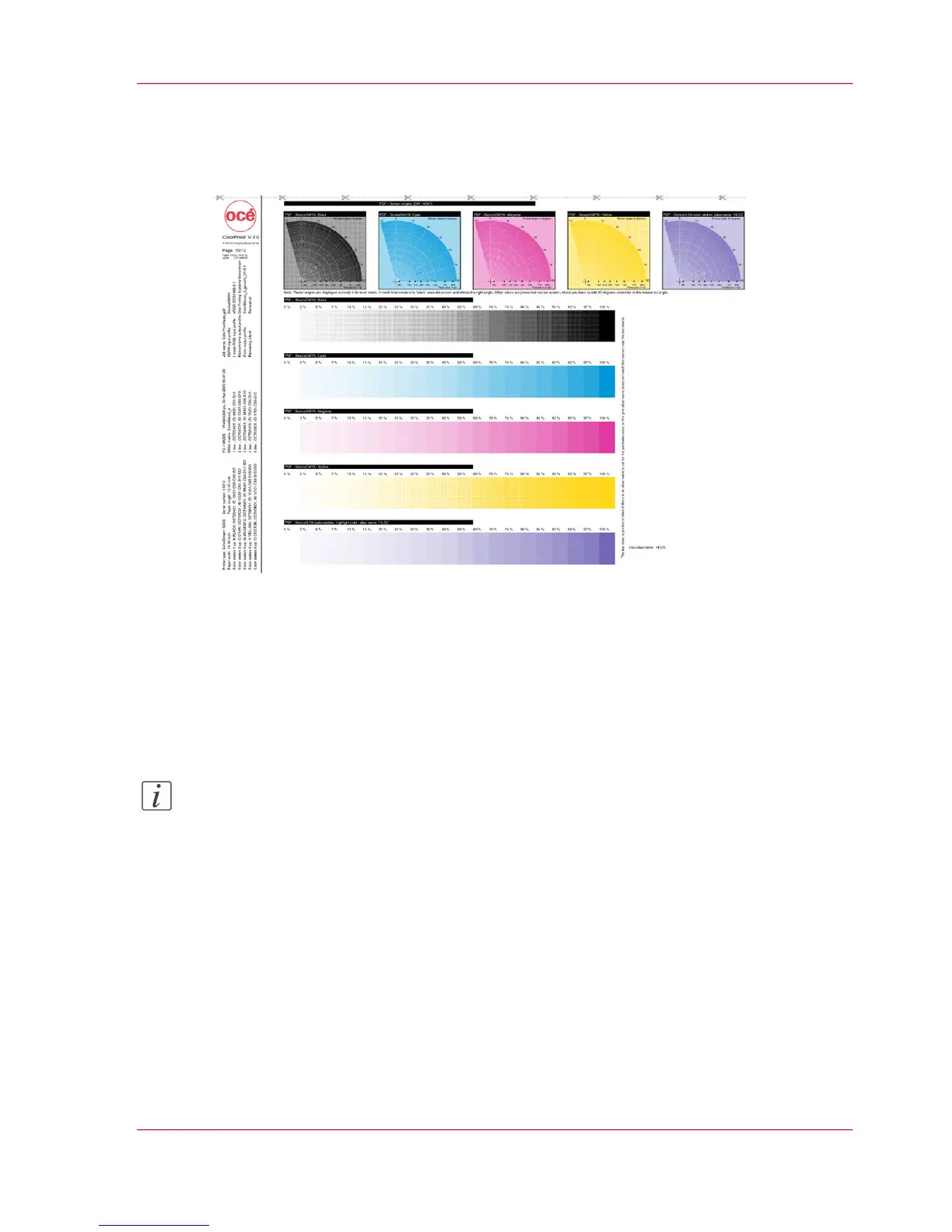
Test Print Job 'ColorProof.ipds_pdf' — Page 10
PDF Highlight Color
Raster Angle and Raster Width
The printed gauges can be used to read the PDF raster angle and raster width for each
print station. A moiré circle is created for every color station. The radial line in the center
of the moiré indicates the width of the raster in Ipi. The angle axis in the center of the
moiré indicates the raster angle.
Note:
The moiré circles display all raster angles correctly when printing in bilevel mode. If
GraphicArts (multilevel/dot matrix) is used, the raster angle is only correctly displayed
for black. Line halftones are used for cyan, magenta and yellow. Therefore, in this case,
90° must be added in a clockwise direction to each displayed angle.
Tone Transfer Path
The first four tone transfer curves are automatically set to the primary colors K, C, M,
Y.
Chapter 6 - Operating the Printing System 223
Test Print Job 'ColorProof.ipds_pdf' — Page 10



 To Next Page