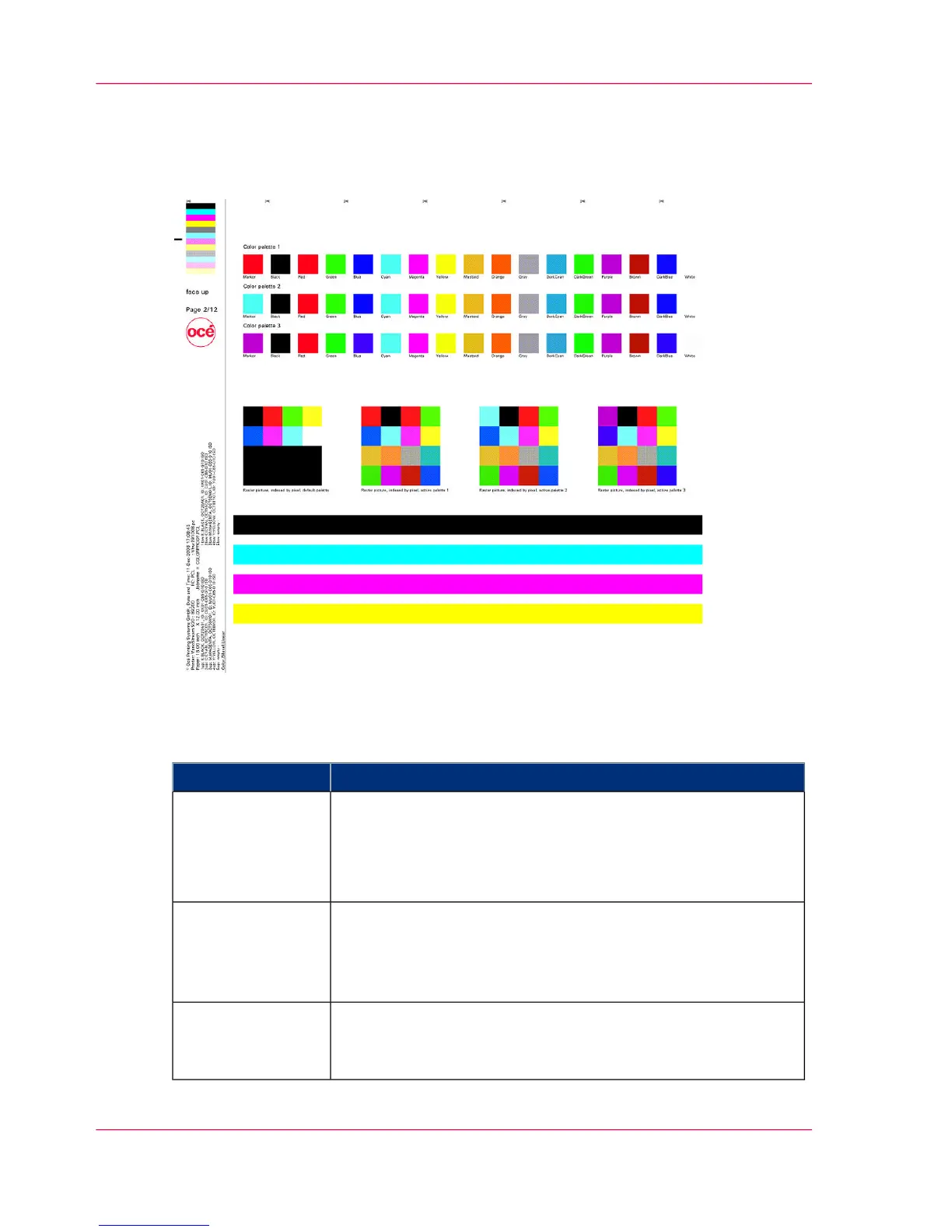
Test Print Job 'ColorProof.pcl' — Page 2
Palette Management
Description
#
DescriptionItem
Three different color palettes have been defined and saved:
■
Marked red: RGB
■
Marked cyan: CMY
■
Marked violet: CIE L*a*b*
Upper Area
Then the active palette was deleted and the four-color rectangle
was printed. No palette was activated for the first rectangle.
This is printed with the Default-RGB palette. The previously
saved palettes should appear for the other three rectangles.
Middle area
In the lower area, full tone bars with the primary colors are
printed across the width of the page. Full tone coloration can
be tested across the entire print area.
Full tone bars
Chapter 6 - Operating the Printing System230
Test Print Job 'ColorProof.pcl' — Page 2



 To Next Page