Proceed as follows:
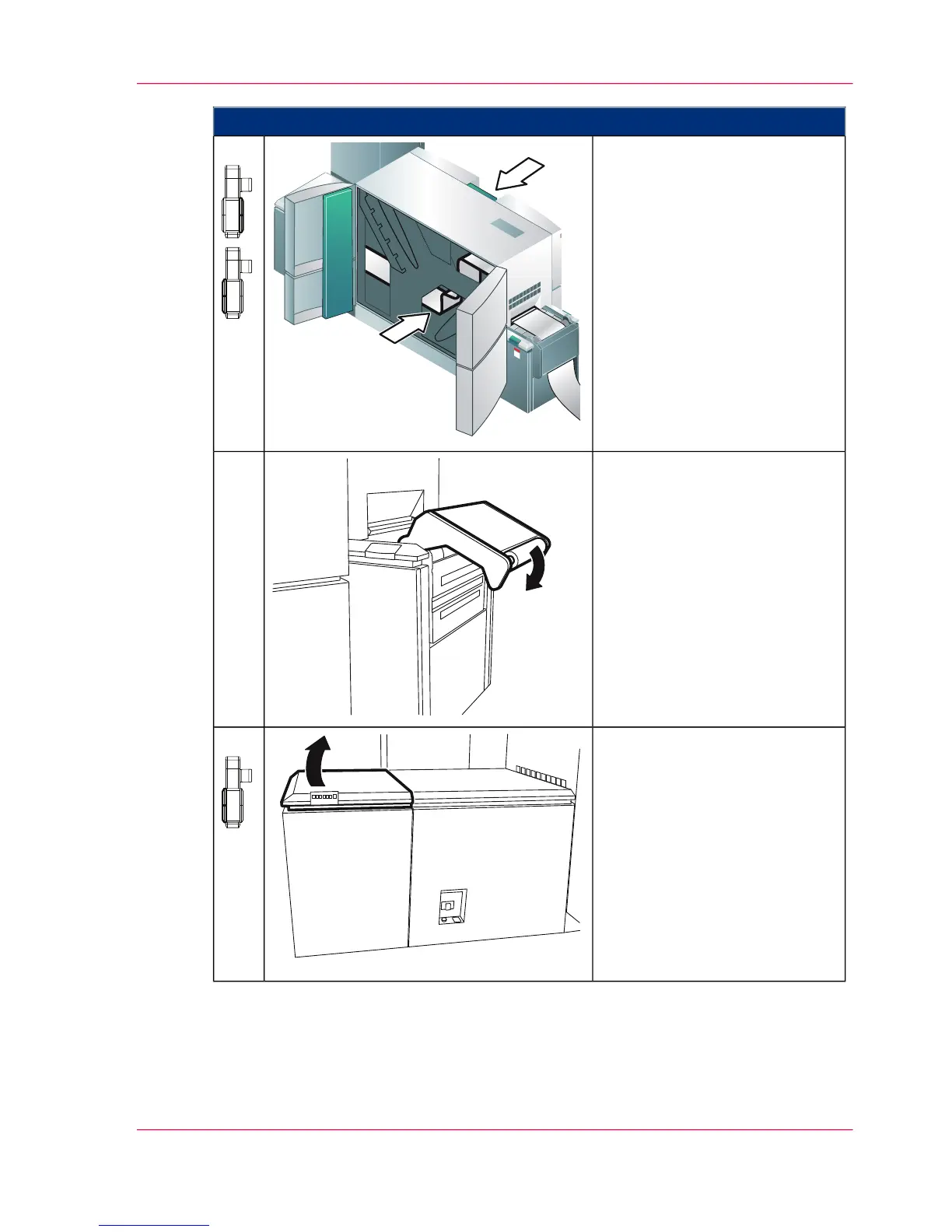
On both sides of the printing
system:
Carefully check the entire paper
path in the print module and re-
move all paper residue and vacu-
um the paper dust.
5.
Push paper input rocker down
until it latches.
6.
Open the paper cooling cover on
the left-hand side of the printing
system.
7.
Chapter 7 - Cleaning the Printing System 297
Checking the Paper Path



 To Next Page