Proceed as follows:
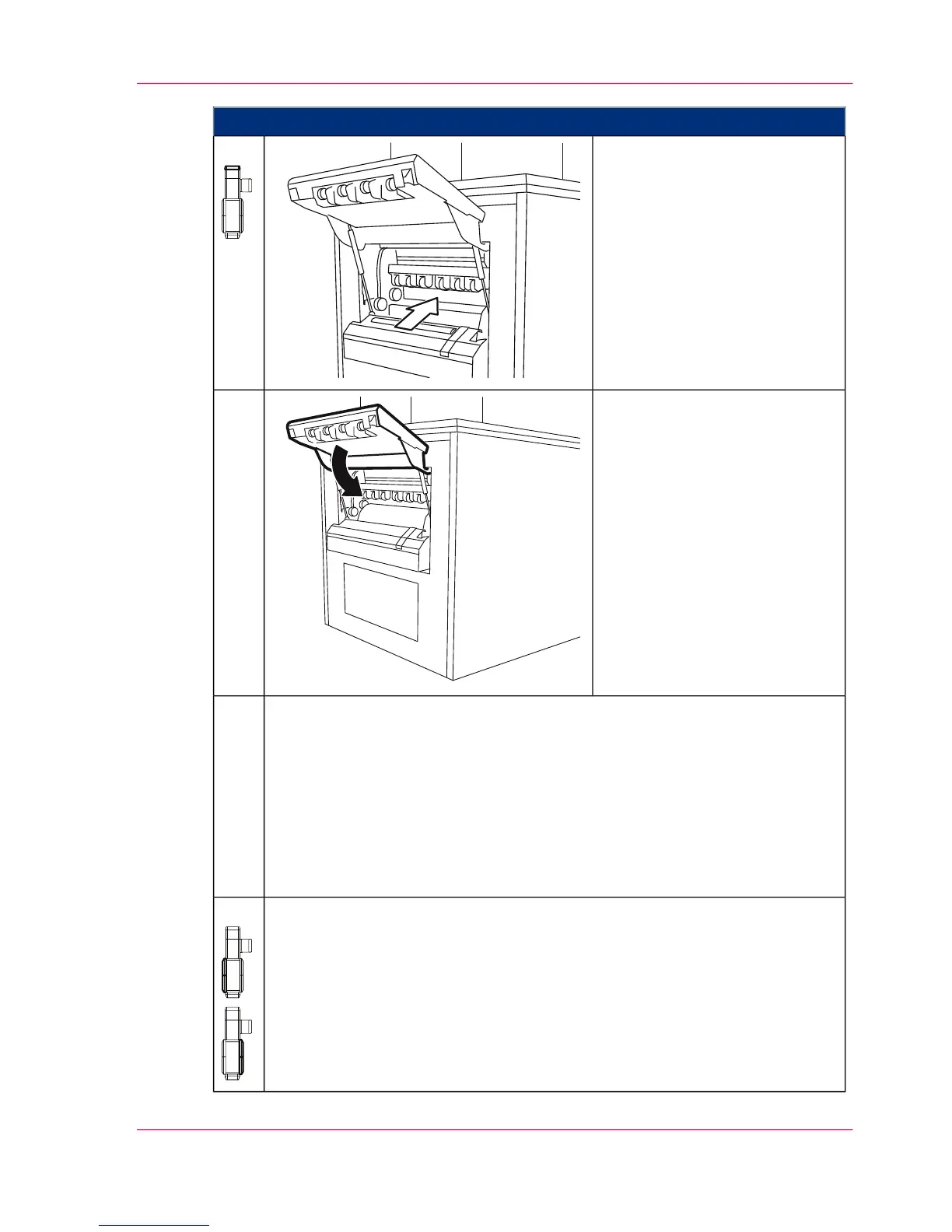
From the open paper output:
■
Check the paper path inside
the fuser station for paper
residue.
■
Also check from both sides of
the printing module.
■
If you find paper residue in
the fuser station: Notify Ser-
vice.
11.
Close the paper output flap.12.
Join the ends of the paper rips together and check whether bits of paper are
missing.
If the sensors have detected paper web residue in the printing system, respond
to the additional query on the operator panel:
■
When all paper web residue has been properly removed, click on the 'Yes'
button.
■
If you were unable to remove all paper web residue or there is still paper
residue in the fuser station, click the 'No' button and notify Service.
13.
Close all printing system doors.
■
‘Closing Left Doors’ on page 163.
■
‘Closing Right Doors’ on page 159.
14.
Chapter 7 - Cleaning the Printing System 299
Checking the Paper Path



 To Next Page