Proceed as follows:
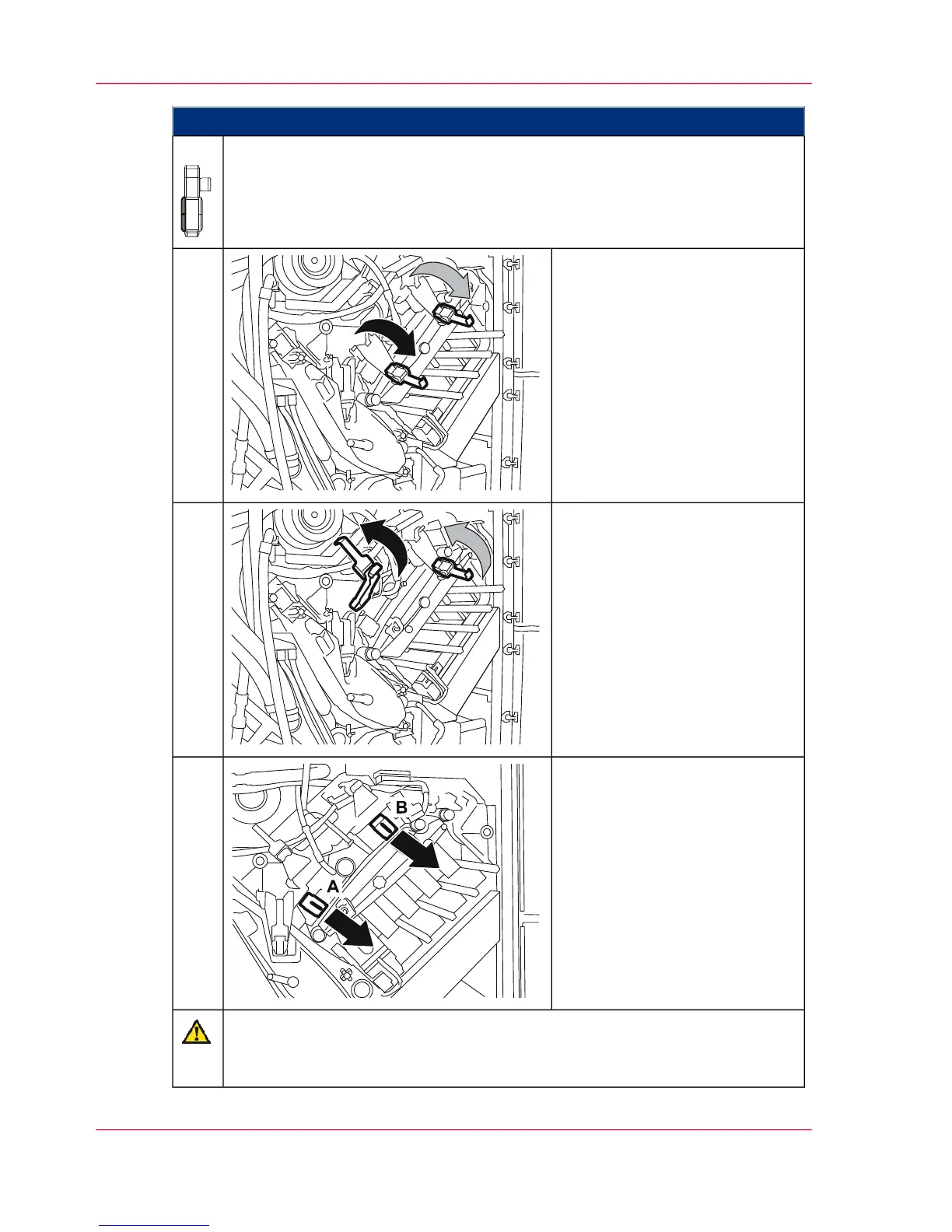
To remove a corotron slide-in unit in the lower print unit:
Open all doors on the left-hand side of the printing system.
5.
Open the handles on the locking
flaps.
6.
Fold up the locking flaps.
The locking flaps automatically
lock into position when they
have been folded up far enough.
7.
Unlock corotron slide-in unit
and remove:
A) Cleaning corotron slide-in
unit
B) Charge corotron slide-in unit
8.
Caution
Do not touch or damage the corotron wires.
Wear the gloves provided in the packaging.
Chapter 9 - Replacing Expendables414
Removing the cleaning corotron slide-in unit or charge corotron slide-in unit of the photoconductor unit



 To Next Page