Proceed as follows:
Click the 'OK' button to start fine filter replacement.
The brush exchange is being prepared. The developer stations are swiveled off.
Information on the icons displayed on the operator panel under 'Steps': see
‘Explanation of icons’ on page 134.
3.
Caution
Wait until preparation is complete:
The doors must not be opened before the relevant message is displayed on the
operator panel.
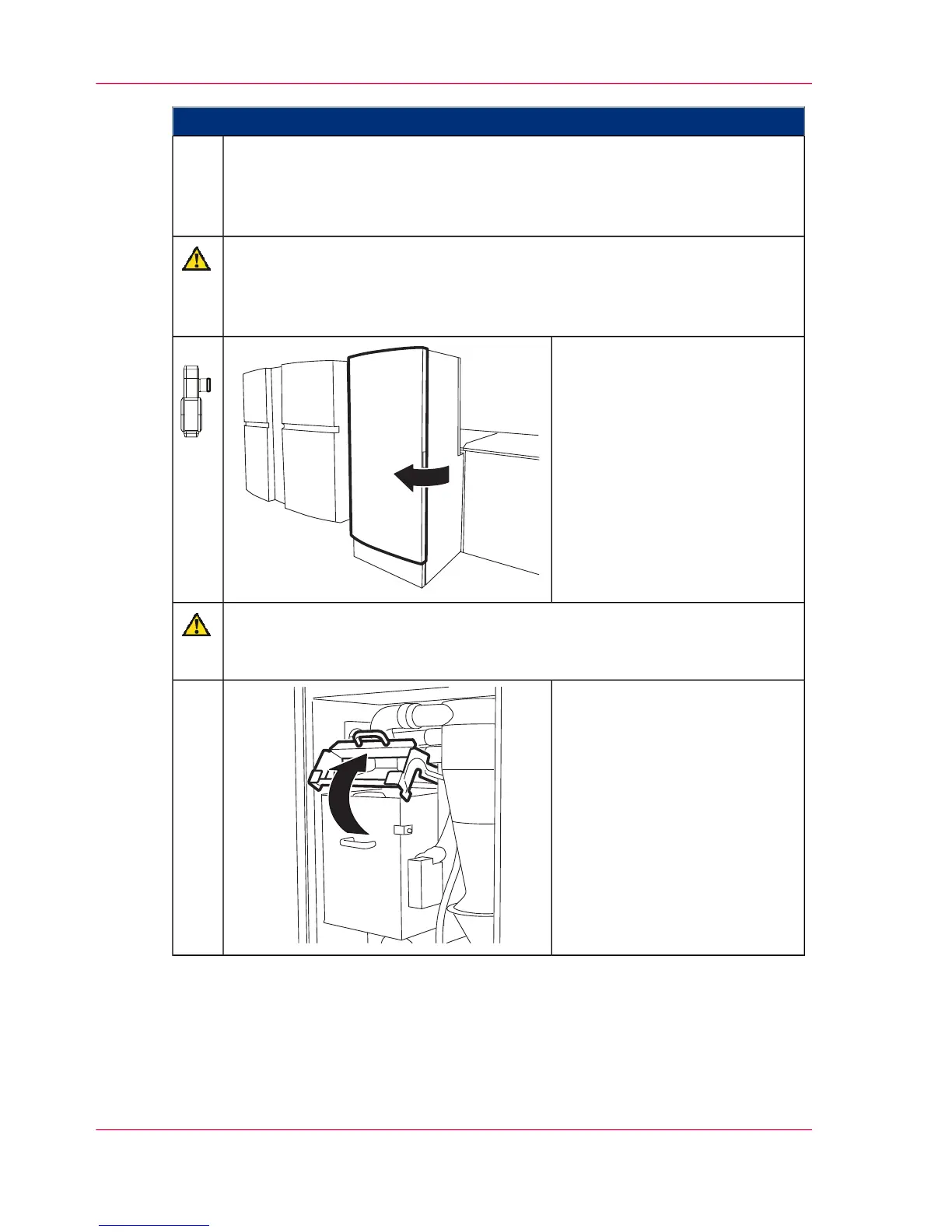
Open the door on the filter
module.
4.
Caution
This can soil hands and clothing.
Wear the gloves provided in the packaging.
Release interlock lever by push-
ing it upwards to open the filter
housing.
5.
Chapter 9 - Replacing Expendables444
Replacing fine filter



 To Next Page