MeaningColor
These doors and covers must not be opened during printing.
To avoid any danger, the entire printing system shuts down if
they are opened.
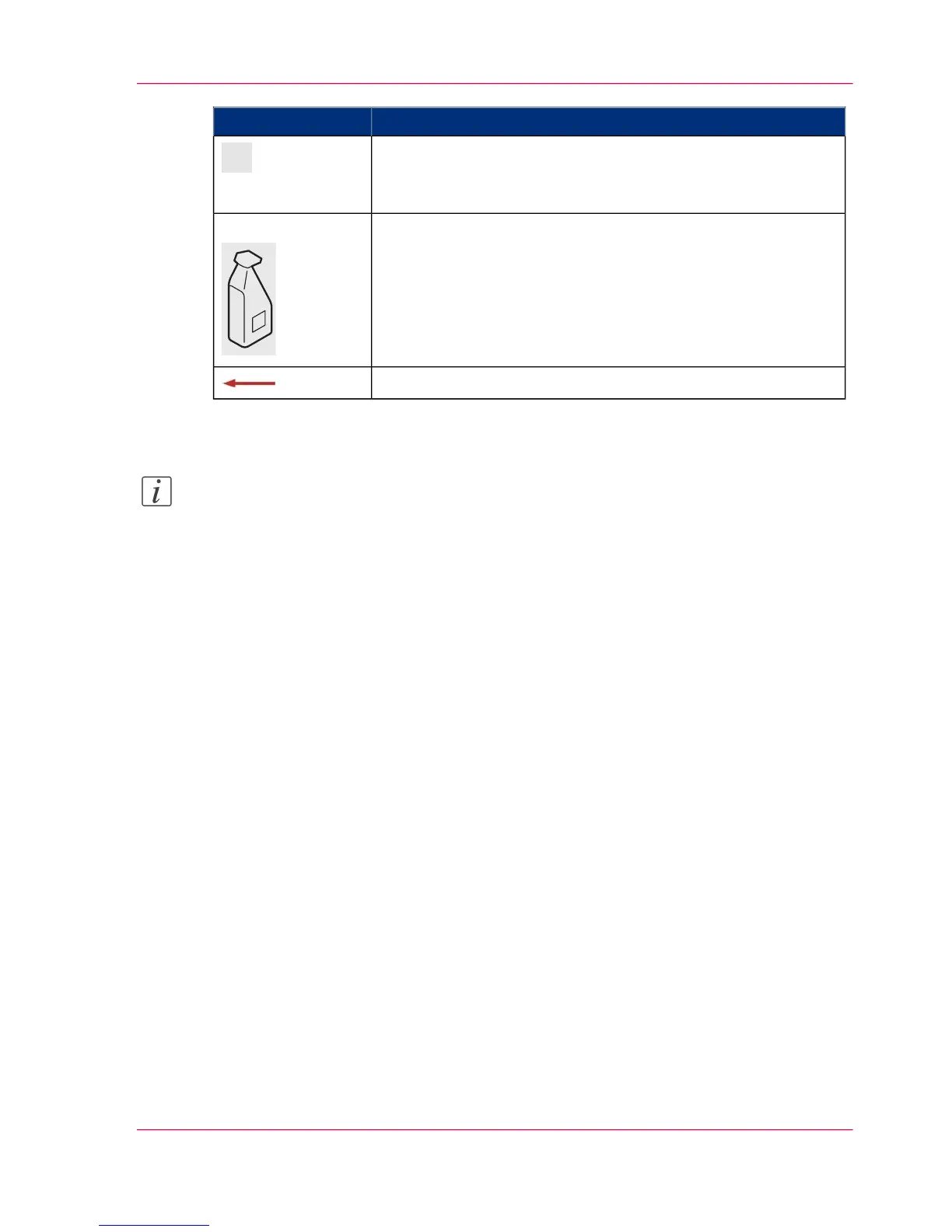
With the optional toner supply using 1 kg (2.2 lb) toner bottles,
this door can be opened during printer operation without having
to disconnect the printer from the mains.
However, if highest levels of print quality are to be maintained,
we recommend that this door be left closed during printer op-
eration.
Option
Paper path direction
Note:
Detailed information on opening and closing the doors is provided in the following
sections:
■
‘Opening Right Doors’ on page 157
■
‘Closing Right Doors’ on page 159
■
‘Opening Left Doors’ on page 161
■
‘Closing Left Doors’ on page 163
Chapter 3 - Description of the Printing System 55
Doors and Covers



 To Next Page