MeaningDisplay
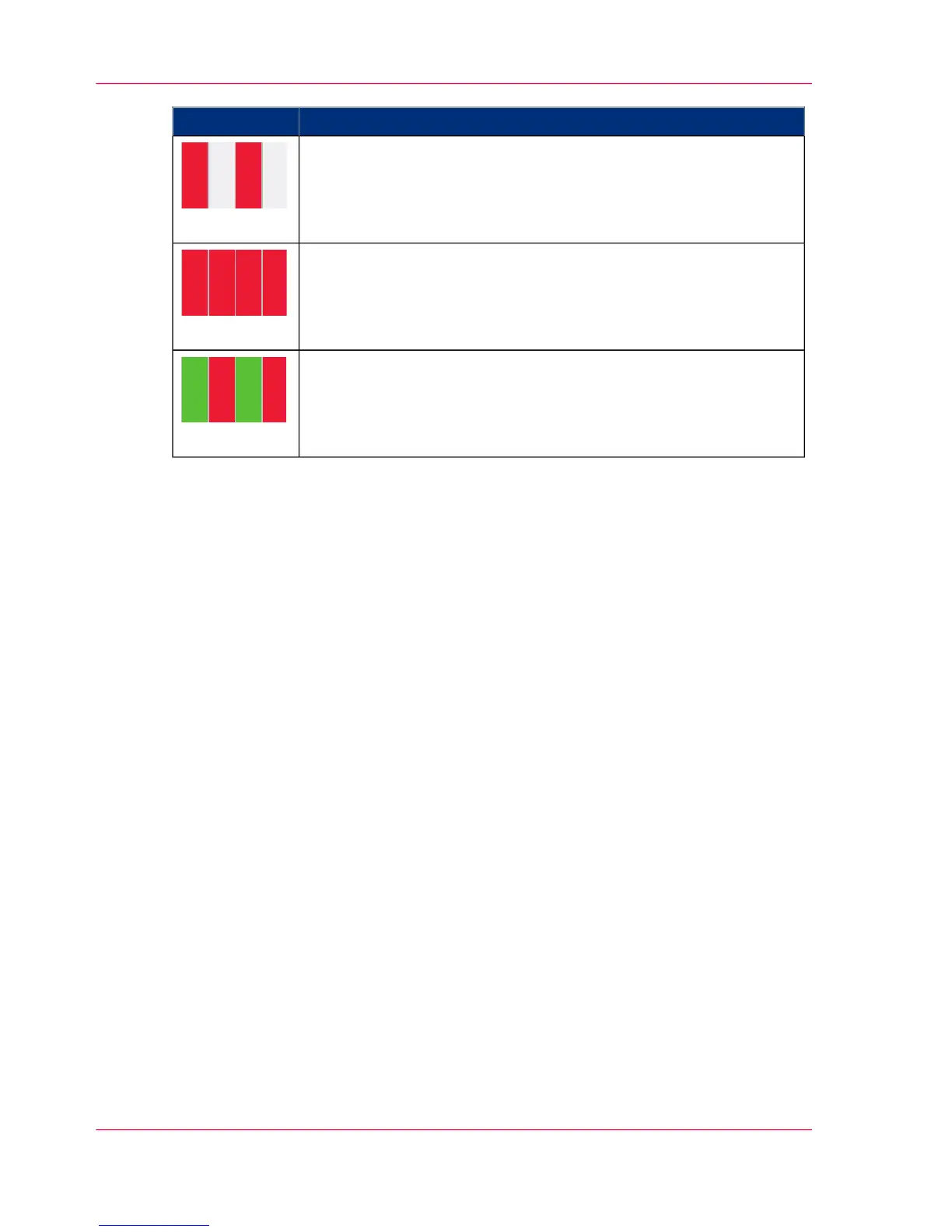
The printing system is in the 'Operator intervention necessary' status.
(flashing red)
The printing system is not ready ('Stop' status)
or one of the 'NPRO', 'ADVF', 'ADVR', 'Eject' or 'Autofeed' keys
has been pressed
or the printing system is in a transitional status.
(red)
The printing system has been stopped by the post print processing
unit (external stop). The printing system changes from the 'Ready'
status to the 'Stop' status after a preset amount of time.
(green/red)
Chapter 3 - Description of the Printing System76
Operator Attention Light (OPAL)/Bundle 10 Version



 To Next Page