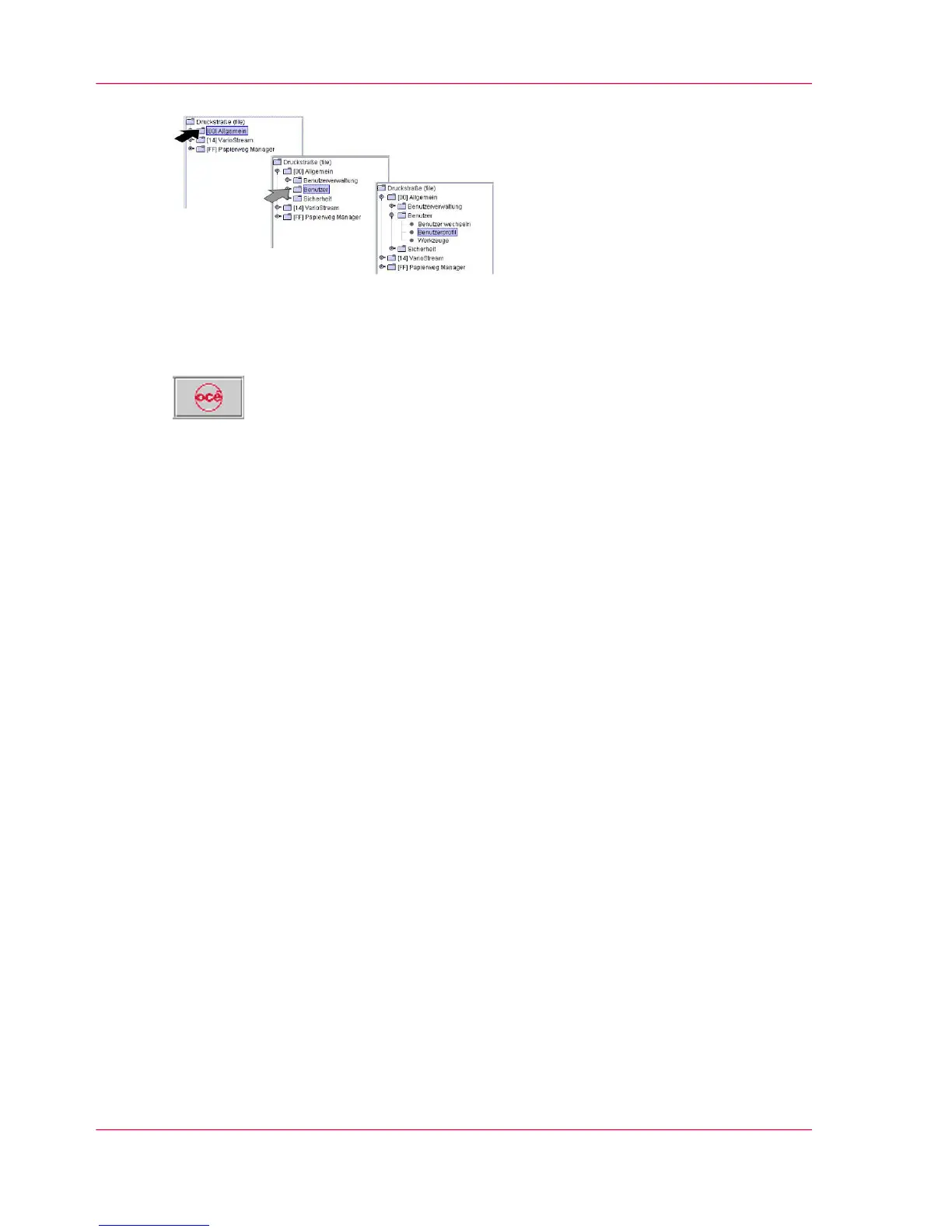
You can switch directly to the main menu from any menu. Click the following button
in the toolbar for this purpose:
Overview
You will find information on the following topics:
■
‘'General' menus — overview’ on page 93
■
‘'ColorStream' Menus — Overview’ on page 97
Chapter 4 - Description of the Operator Panel92
Menu Tree — Overview



 To Next Page