Chapter 4. Basic operation for input channels
51
Using the delay
By using the DELAY section of the SELECTED INPUT CHANNEL block, you can delay the input signal of an input
channel by a specified interval. For example, this is useful when you wish to compensate for time differences between mic
placed at a distance from each other.
[Procedure]
1. Use the INPUT block [SEL] switches or the ST IN
block [L]/[R] switches to select the input channel
that you wish to control.
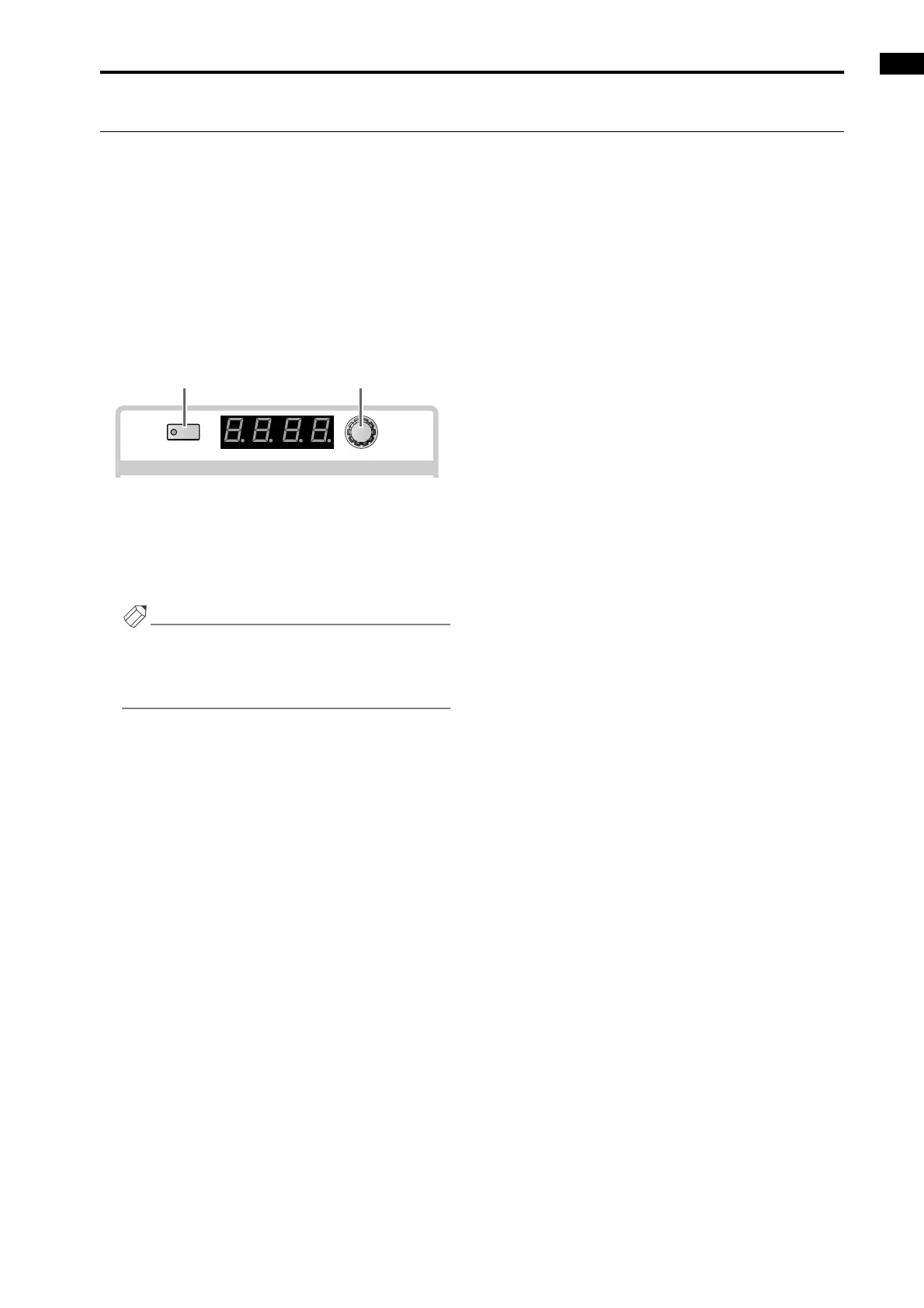
2. In the DELAY section of the SELECTED INPUT
CHANNEL block, turn on the DELAY [ON] switch.
The switch LED will light, and the delay function will
be active for that channel.
3. Use the DELAY [TIME] encoder to set the delay
time.
The delay time can be set in a range of 0–250 msec.
Hint
Even for a ST IN channel or for paired input chan-
nels, delay settings must be set individually. Select
each channel in turn, and make separate settings for
each channel.
TIME
ON
msec
DELAY
DELAY [ON] switch DELAY [TIME] encoder



 To Next Page