Chapter 2. The user interfaces of the CS1D
17
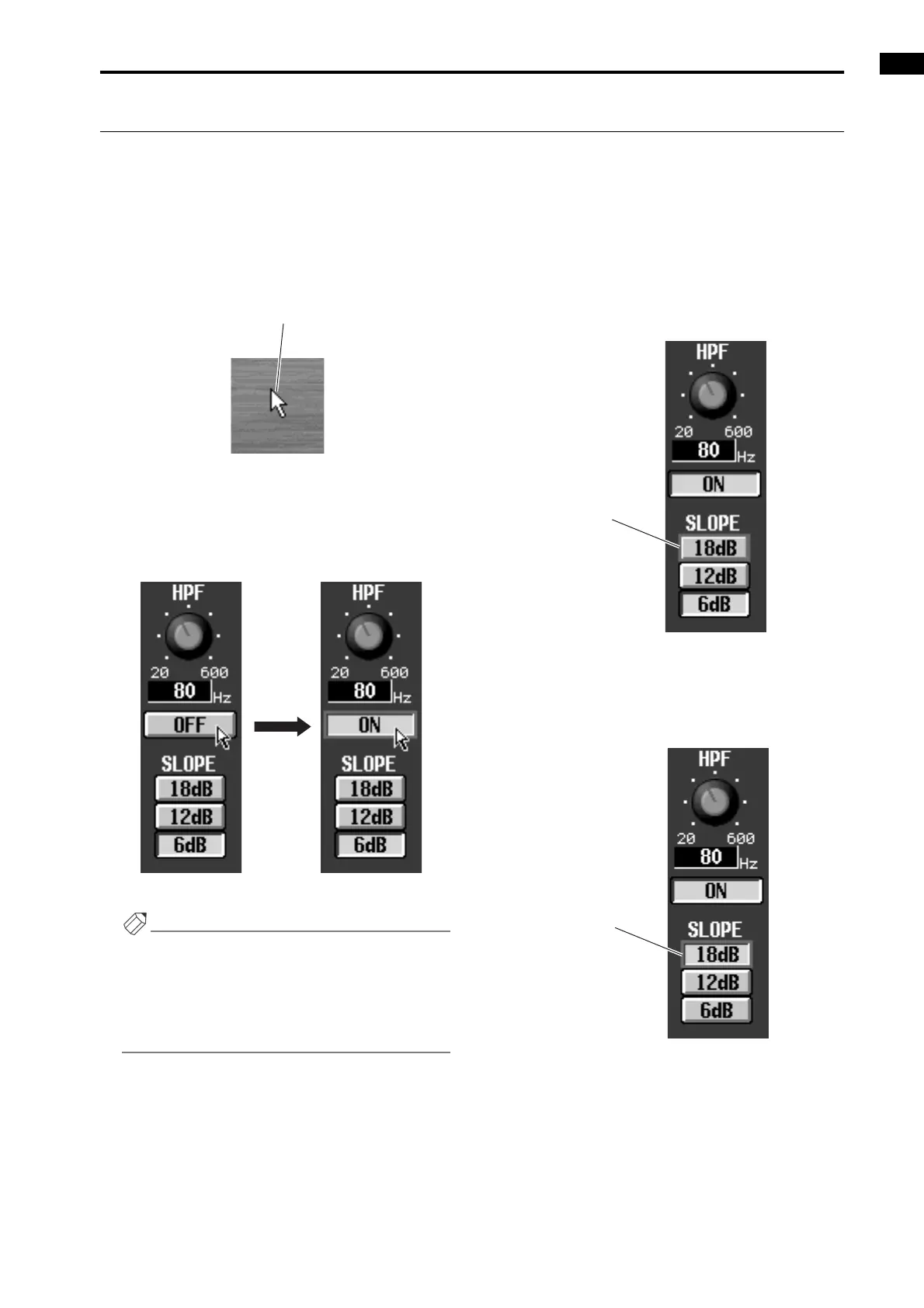
Button operations
Buttons within the display are used to turn specific parameters on/off, or to choose one of multiple choices. Buttons can
be operated in the following ways.
Using the track pad (mouse)
[Procedure]
1. Drag the track pad (mouse) to move the pointer to
the desired button.
2. Use the left or right switch of the track pad (mouse)
to click the button.
The button will be switched on/off. (Alternatively,
the corresponding button will be selected.)
• Switching a button on/off
Hint
If tapping in the display is enabled (UTILITY func-
tion PREFERENCE screen), you can also click by
tapping the track pad. In this case, the operation will
be the same as if you pressed the left switch of the
track pad (mouse). (“CS1D Reference Manual (Soft-
ware)” →p.36)
Using the data entry block switches /keyboard
[Procedure]
1. Use the [CURSOR] switches (or the arrow keys of
the keyboard) to move the cursor to the desired
button.
2. Press the [ENTER] switch (or the ENTER key of the
keyboard).
The button will be switched on/off. (Alternatively,
the corresponding button will be selected.)
Pointer
Click
Cursor
Selected button



 To Next Page