Checking the operation of input units
31
Connect the monitor system
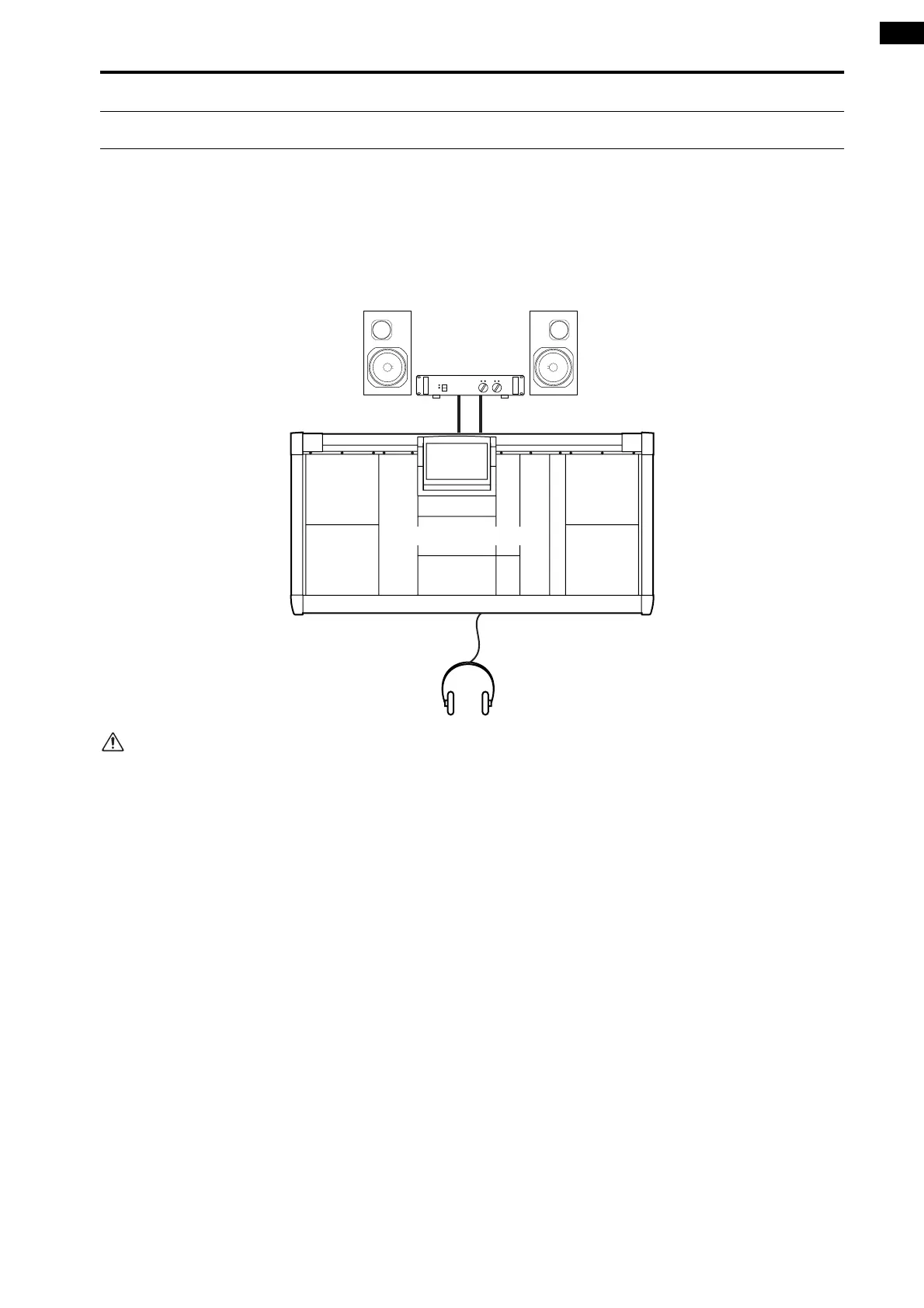
In order to check the operation of an input unit, you must connect a monitor system such as powered monitor speakers
or a power amp + speaker to the MONITOR OUT A jacks located on the rear panel of the CS1D console. (Since the pur-
pose of this is to check the operation, high power monitors are not necessary.)
If you will be monitoring through headphones, connect them to the PHONES MONITOR A jack located on the front
panel of the CS1D console.
Please do not use the MONITOR A/B headphone
jacks located on the top panel of the console (in the
SELECTED INPUT CHANNEL block) simulta-
neously with the PHONES MONITOR A/B jacks
located on the front panel. Doing so can cause the
CS1D to malfunction due to excessive current.
LR
CONSOLE (CS1D)
MONITOR OUT A jacks
MONITOR A
headphone jacks
Headphones
Monitor
system



 To Next Page