Chapter 12. Internal effects
133
Storing effect data to the library
You can store (save) effect parameter settings in the effect library for later re-use.
[Procedure]
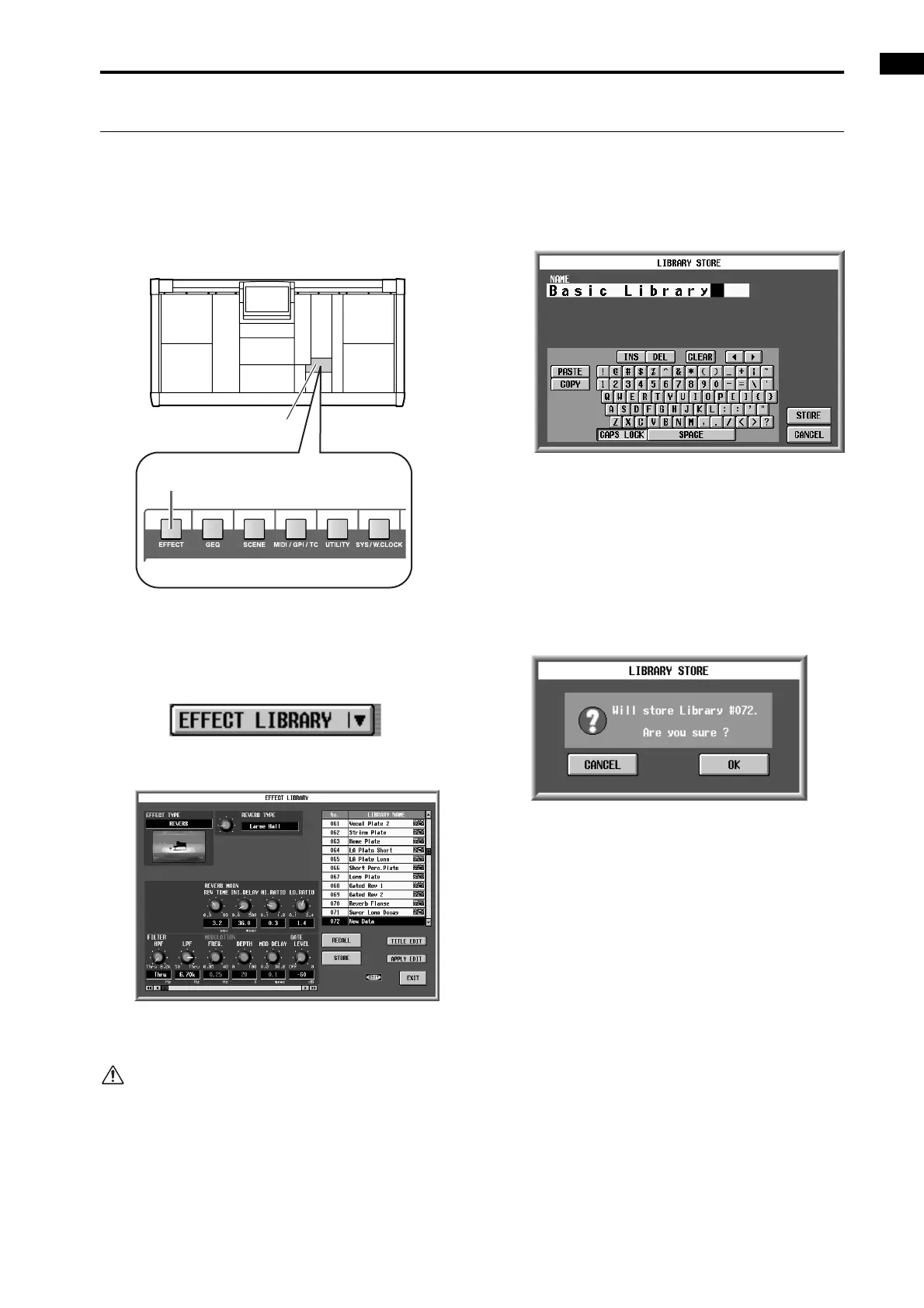
1. In the LCD FUNCTION ACCESS block, press the
[EFFECT] switch several times to select the desired
screen from EFFECT 1 – EFFECT 8.
2. Click the EFFECT LIBRARY button located in the
upper right of the screen.
The EFFECT LIBRARY popup window will appear.
• EFFECT LIBRARY button
• EFFECT LIBRARY popup window
3. From the library list, select the number into which
you wish to store the data, and click that line.
Data displayed as “READ ONLY” contains factory
preset data. It is not possible to overwrite data onto
these numbers.
4. Click the STORE button.
The LIBRARY STORE popup window will appear, in
which you can assign a name to the data that you are
storing.
• LIBRARY STORE popup window
5. Use the character palette to assign a name to the
data.
For details on using the character palette, refer to
p.20.
6. Click the STORE button.
A window will ask you to confirm the Store opera-
tion.
• Store confirmation window
7. To execute the Store operation, click the OK button.
You will exit the library popup window and return to
the previous screen.
If you click the CANCEL button instead of the OK
button, the Store operation will be cancelled and you
will return to the library popup window.
LCD FUNCTION ACCESS
block
[EFFECT] switch



 To Next Page