DCA GROUP block
73
FADER STATUS section
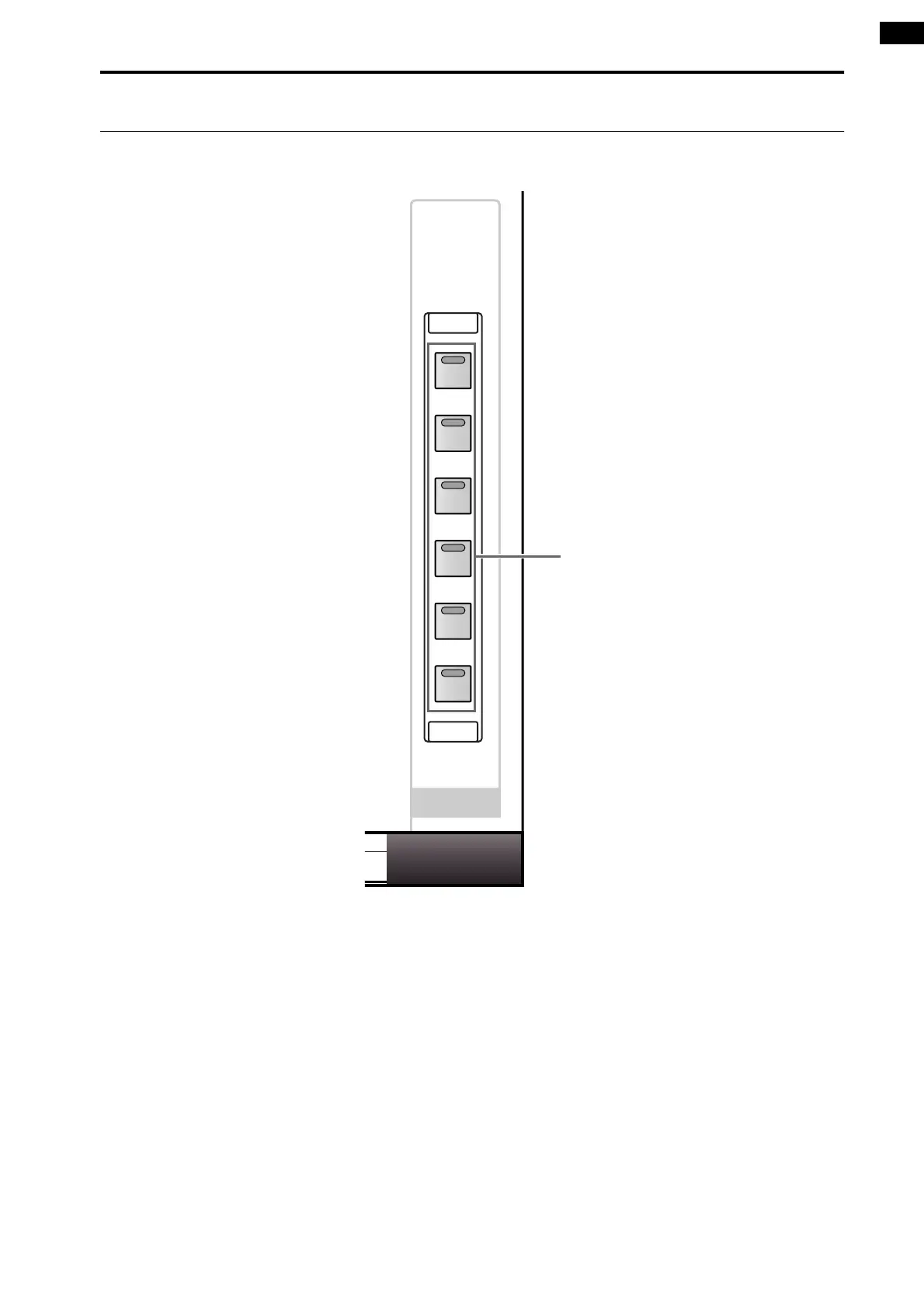
In this section you can select what will be controlled by DCA faders 1–12.
1 FADER STATUS [IN]/[1–12]/[13–24]/[25–36]/[37–
48]/[DCA] switches and LEDs
These switches select what will be controlled by DCA
faders 1–12.
The LED of the currently selected switch will light.
Each switch selects the following items for control.
• FADER STATUS [IN] switch
The DCA faders will control the input level of the
input channels in the selected INPUT block. The
INPUT block that includes the channel currently
selected by an INPUT [SEL] switch will be assigned
to the DCA faders. This allows you to control a dis-
tantly-located INPUT block without having to reach
across the console.
• FADER STATUS [1–12]/[13–24]/[25–36]/[37–48]
switches
The DCA faders will control the output levels of the
corresponding MIX channels 1–12, 13–24, 25–36, or
37–48.
• FADER STATUS [DCA] switch
The DCA faders will adjust the level of DCA groups
1–12 to which input channels/output channels have
been assigned.
FADER
STATUS
IN
1–12
13–24
25–36
37–48
DCA
1



 To Next Page