Libraries
192
GEQ LIBRARY
[Function]
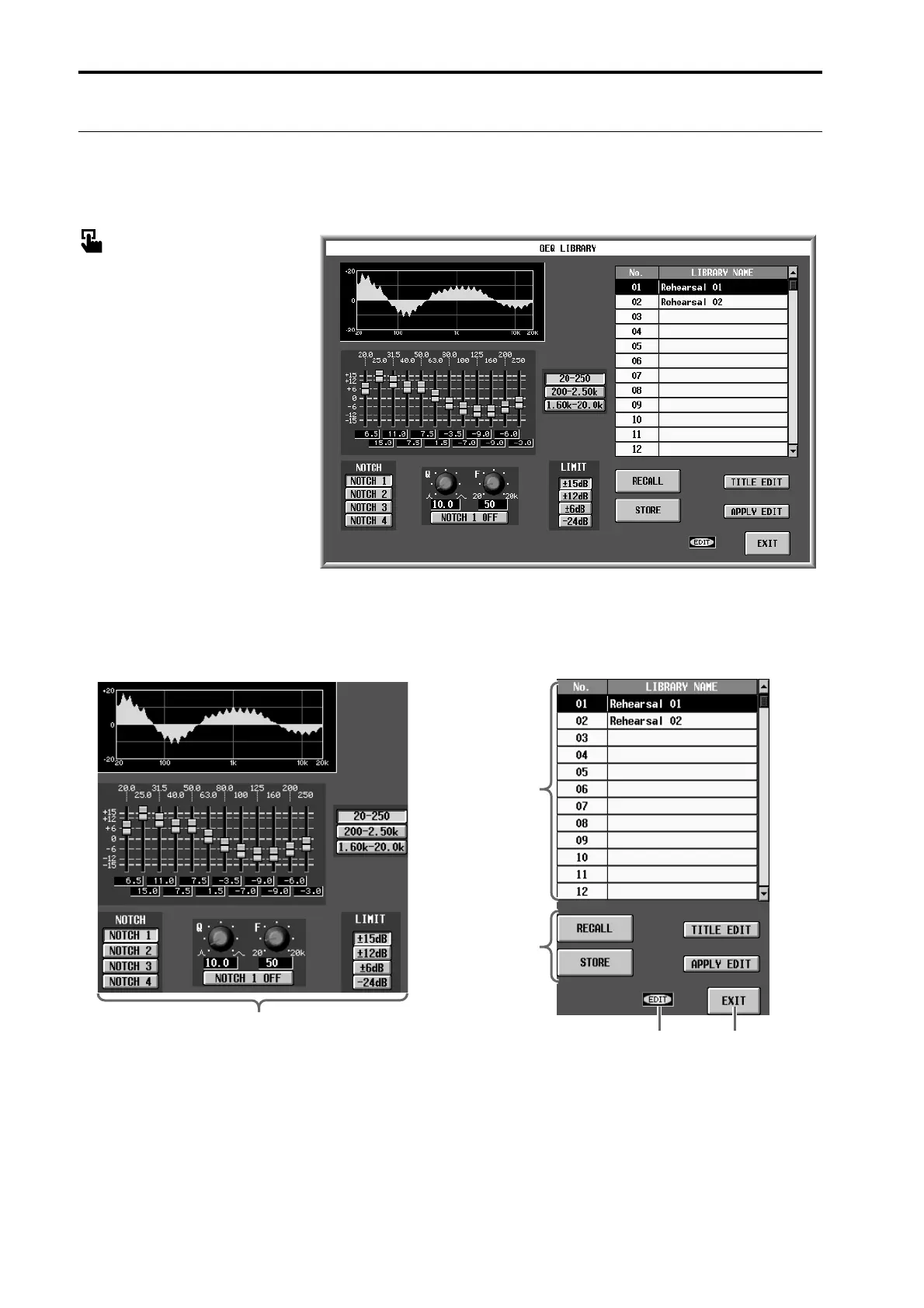
Here you can store and recall the settings (GEQ data) of the currently selected GEQ module.
■ Display
MENU button → GEQ button →
GEQ PARAMETER tab → GEQ
LIBRARY button
[Screen functions]
1 Edit section
This area displays the settings of the GEQ data cur-
rently selected in the library list (2).
You can use the buttons, knobs and sliders to edit the
data.
2 Library list
This shows a list of the GEQ data stored in memory.
The highlighted line is currently selected for opera-
tions.
1
54
3
2



 To Next Page