Checking the operation of an output unit
41
Patch the input unit to an input channel
Patch the input jack to which you connected the input source to input channels 1/2. For details of the procedure, refer to
page 33.
[Procedure]
1. Turn on the power in the order of the PM1D system
→ monitor system.
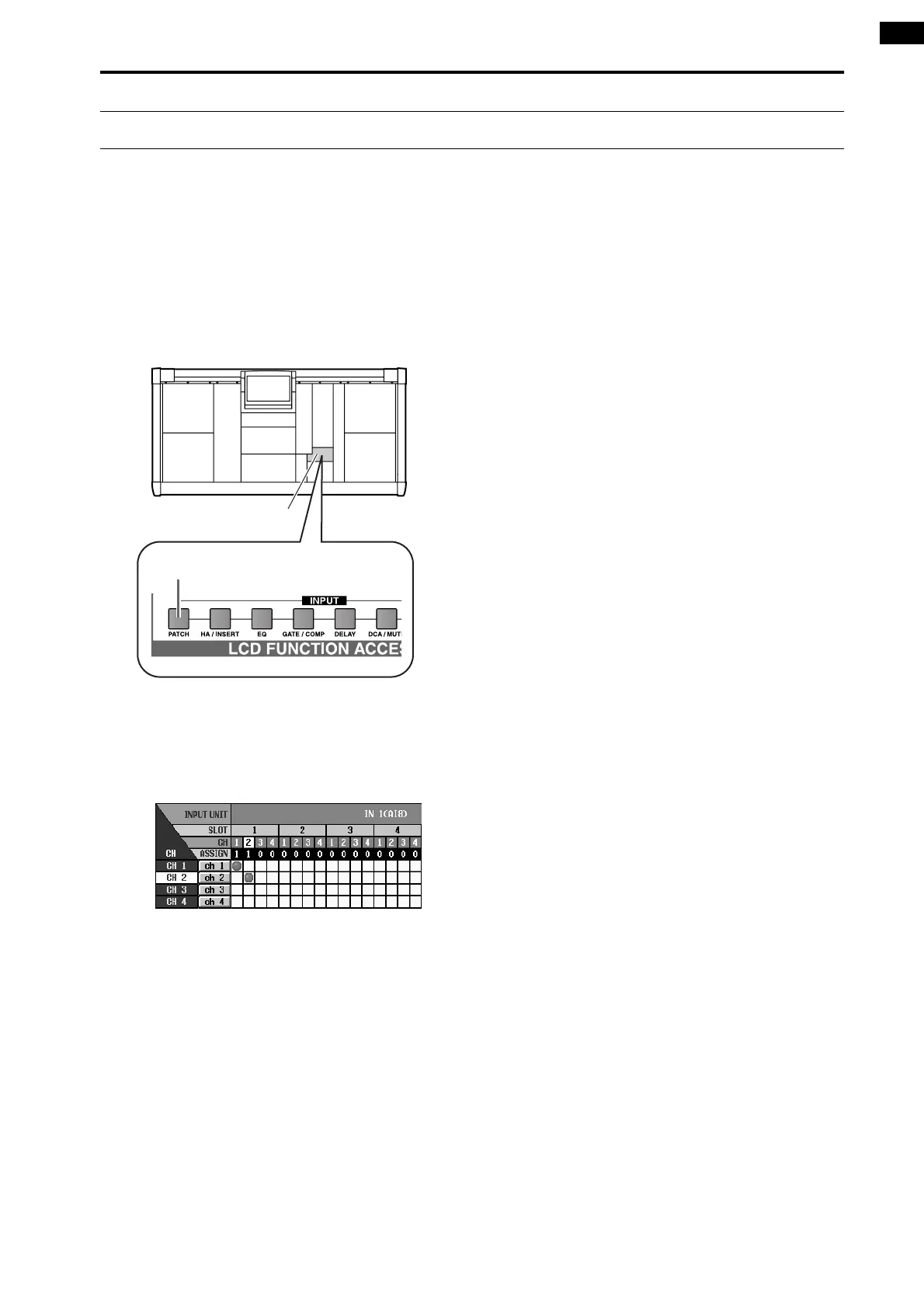
2. In the LCD FUNCTION ACCESS block, press the
INPUT [PATCH] switch several times to access the
following screen.
3. Patch the input source to input channels 1/49 and
2/50.
The following illustration shows an example of when
jacks 1/2 of an AD card (LMY4-AD) installed in slot
1 of the AI8 are patched to input channels 1/2.
LCD FUNCTION ACCESS
block
INPUT [PATCH] switch



 To Next Page