Chapter 5. Basic operation for output channels
73
Sending a signal from a STEREO A/B channel to an output unit
Here’s how a signal sent from an input channel or MIX channel to the STEREO bus can be output from an output unit
patched to a STEREO A/B channel.
[Procedure]
1. Make sure that an appropriate signal is being sent
from the channels to the STEREO bus. Also make
sure that a valid output unit is patched to a STE-
REO A/B channel.
2. In the STEREO OUTPUT block, turn on the STE-
REO [ON] switch for the STEREO A or B channel.
3. In the STEREO OUTPUT block, raise the STEREO
A or B channel fader.
The signal of the STEREO A/B channel will be out-
put from the output unit that is patched to that
channel.
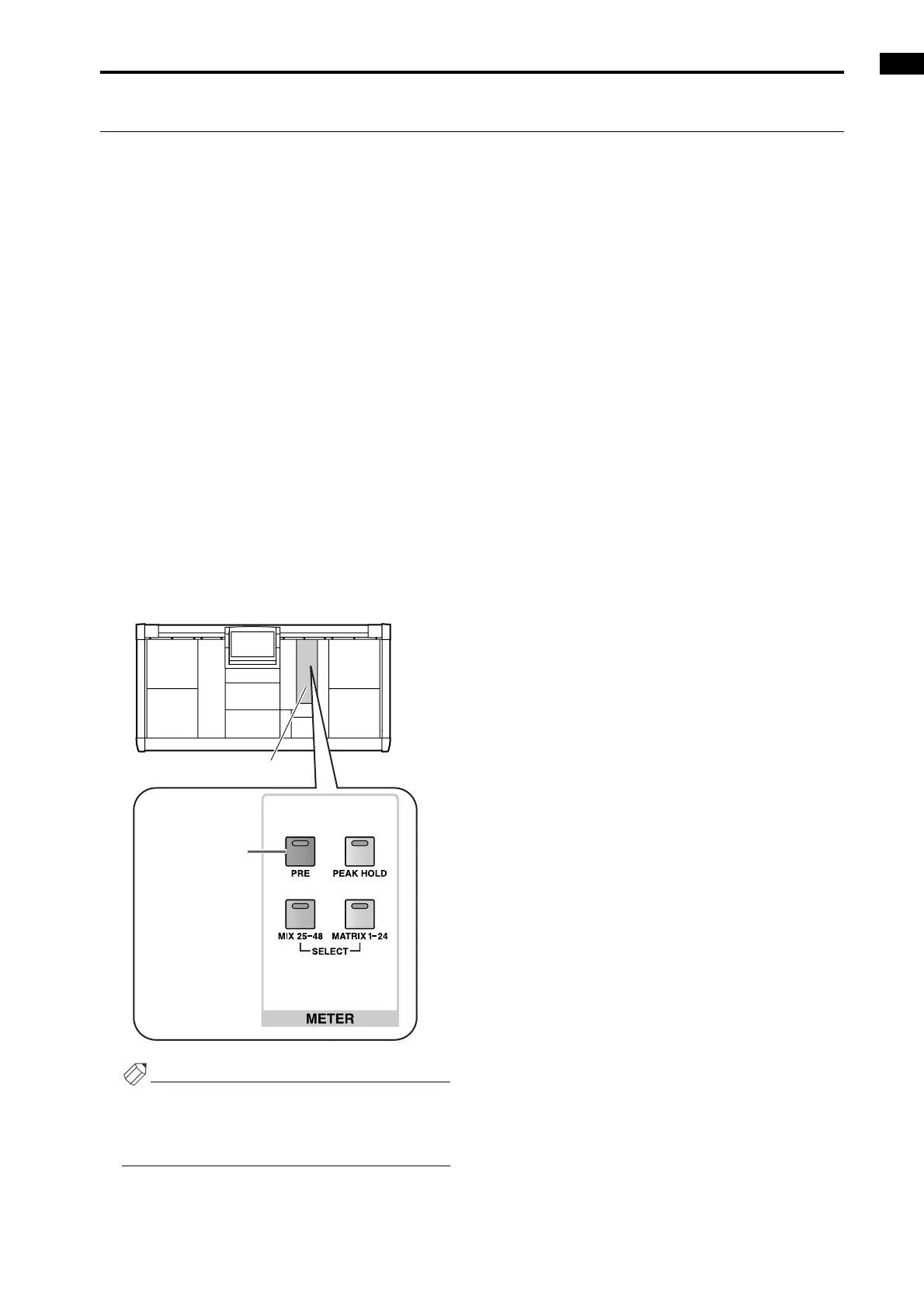
4. So that the (post-fader) level of the signal sent from
the STEREO bus to the output unit can be viewed
in the meter bridge, turn off the METER [PRE]
switch located in the METER section of the MAS-
TER block on the console.
With this setting, the STEREO A/B meters of the
meter bridge will show the post-fader signal levels of
the STEREO A/B channels.
Hint
The detection point (metering point) shown in the
meters can be specified in greater detail. For details
refer to the section “Setting the metering point” in
“Chapter 16. Various settings.”
MASTER block
METER [PRE]
switch



 To Next Page