26
Basic settings (Mirror mode)
This section explains how to select the operation mode and word clock master when using the PM1D system in Mirror
mode.
Selecting the operation mode (Mirror mode)
[Procedure]
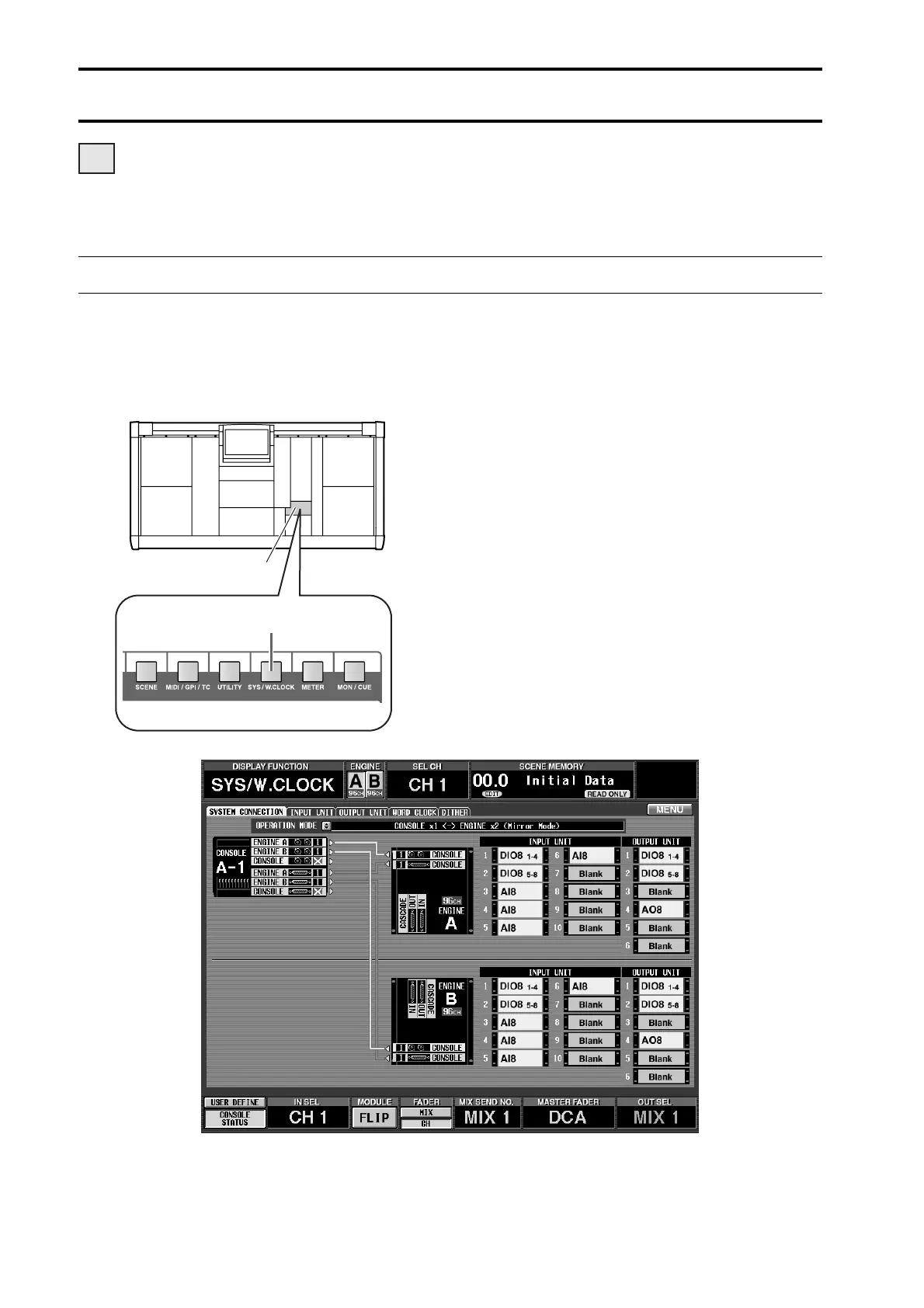
1. In the LCD FUNCTION ACCESS block, press the
[SYS/W.CLOCK] switch several times to access the
following screen.
This is the SYSTEM CONNECTION screen, in
which you can check the connection status of each
device, and select the operation mode.
DSP
x2x2
LCD FUNCTION ACCESS
block
[SYS/W.CLOCK] switch



 To Next Page