Chapter 11. Talkback/Oscillator
123
5. Use the buttons in the ASSIGN section of the
OSCILLATOR screen to select the bus to which the
oscillator signal will be sent.
Each button corresponds to the following buses.
•
STEREO
..............STEREO bus
•
MIX 1–48
............MIX buses 1–48
•
MATRIX 1–24
....MATRIX buses 1–24
Hint
If necessary, you can also output the oscillator signal
directly from the desired output jack. For details
refer to “CS1D Reference Manual (Software)”.
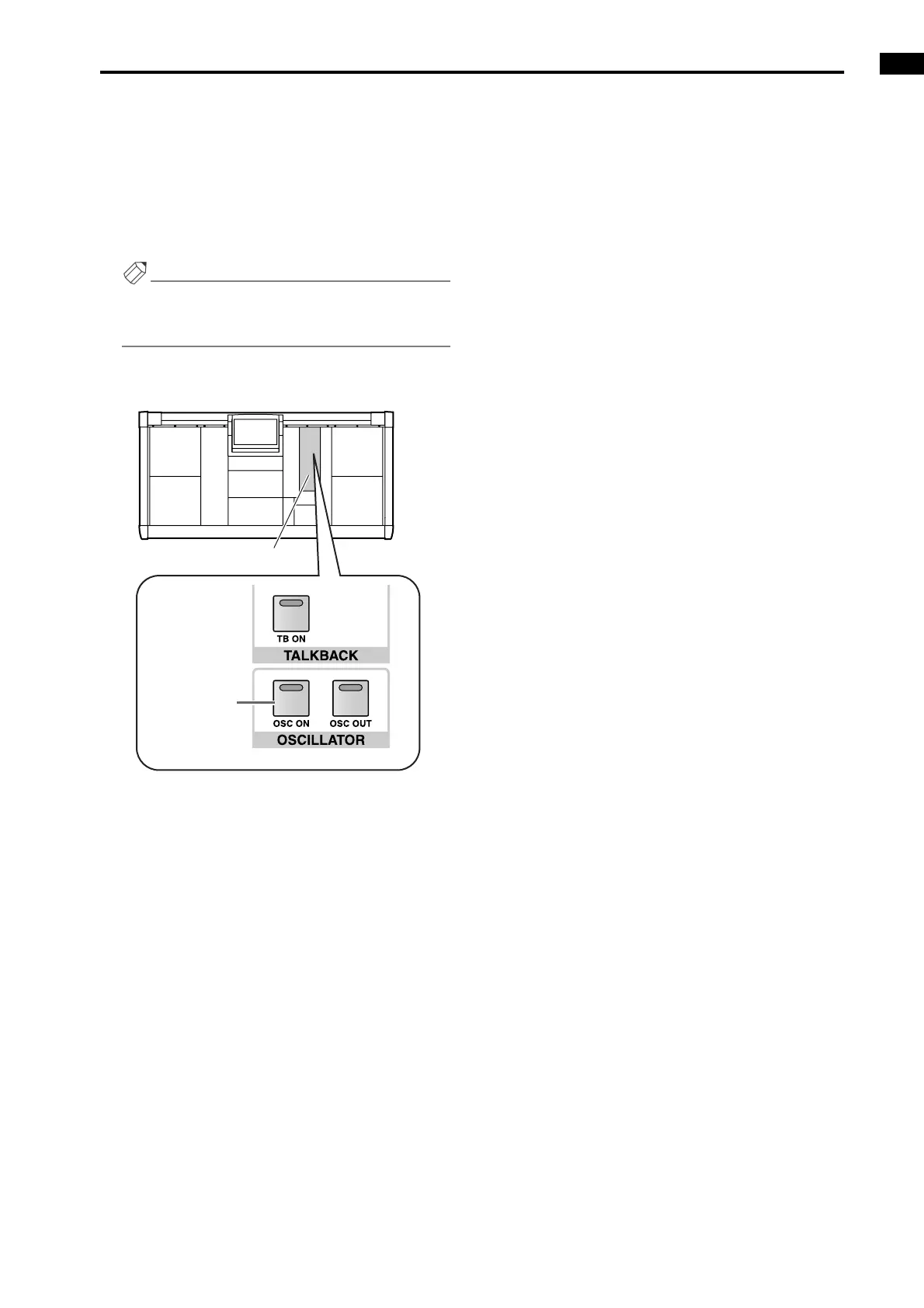
6. Press the [OSC ON] switch in the OSCILLATOR
section of the MASTER block.
The oscillator signal will be sent to the bus or output
jack you selected in step 5. To turn off the oscillator,
press the same switch once again.
MASTER block
[OSC ON]
switch



 To Next Page