Introducing the various components
5
•
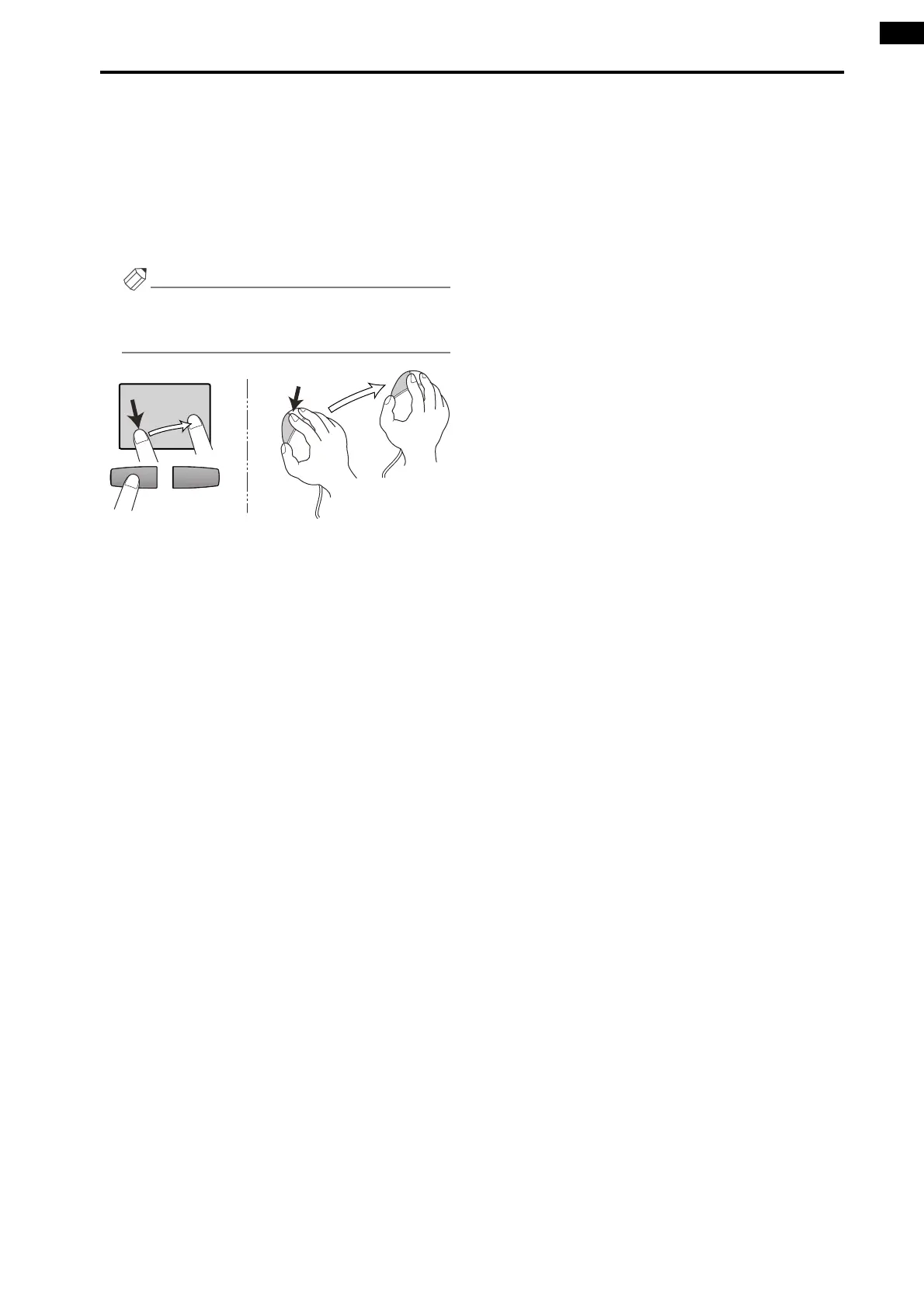
Drag
“Drag” refers to the action of placing the pointer
over a specific object on the screen, and holding
down the left or right switch while you slide your fin-
ger left/right/up/down across the track pad.
This action is used to continuously adjust a knob or
slider in the screen, or to move a specific item to
another location.
Hint
As an alternative way to perform this action, you can
use a mouse connected to the MOUSE connector of
the CS1D.
Tra ck pad
Drag
Drag
Mouse
While pressing



 To Next Page