CS1D Reference Manual (Software)
8
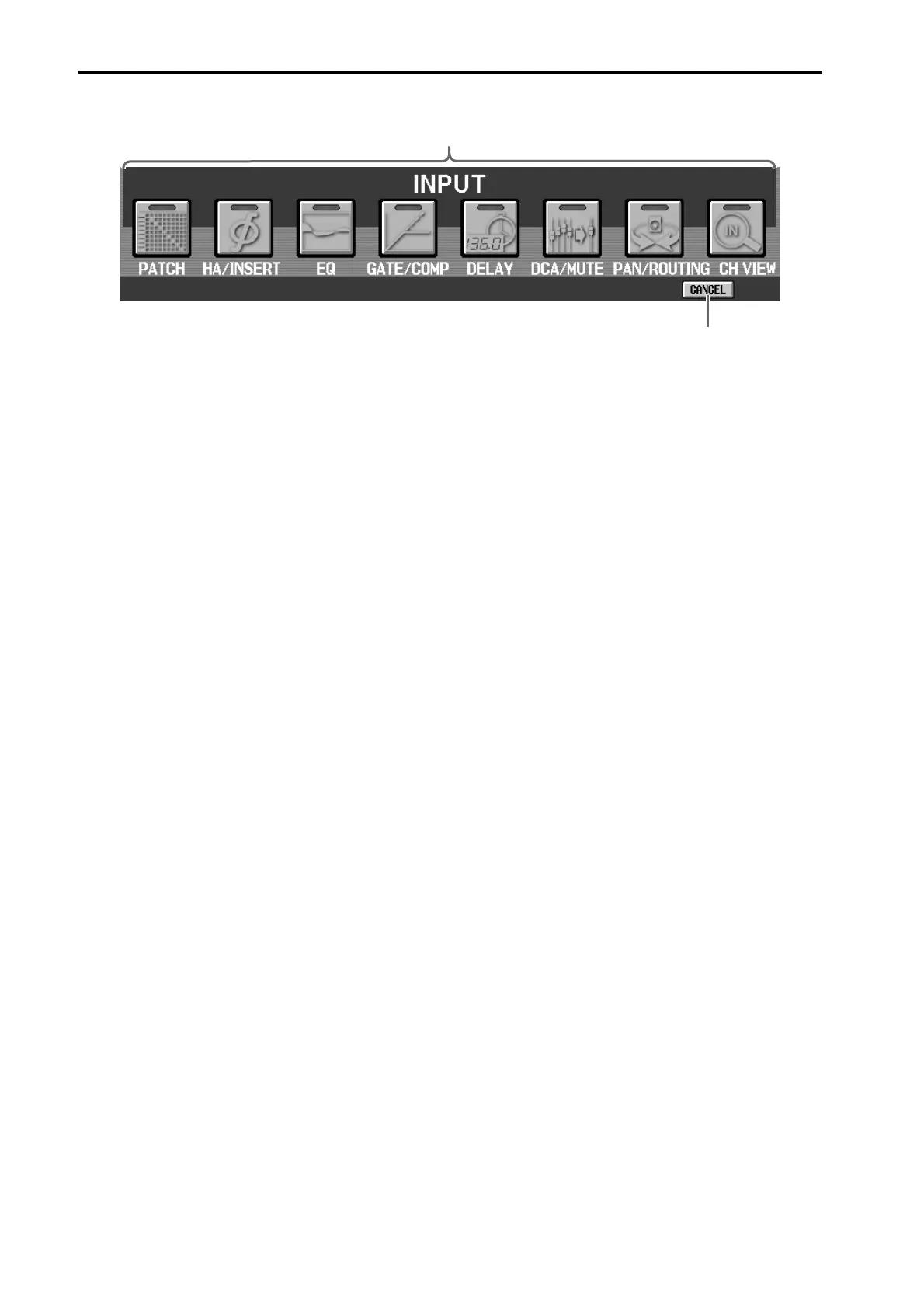
3 Input functions
These buttons access functions for the input chan-
nels (monaural input channels, ST IN channels).
The content of each function is described below.
(The abbreviated function name shown in the dis-
play is given in parentheses.)
• PATCH (IN PATCH)
Assign input units to input channels (→p.118).
• HA/INSERT (IN HA/INSERT)
Make settings for the head amps of an analog input
card, and insertion settings for input channels
(→p.131).
• EQ (IN EQ)
Make EQ settings for input channels (→p.134).
• GATE/COMP (IN GATE/COMP)
Make noise gate and compressor settings for input
channels (→p.139).
• DELAY (IN DELAY)
Make delay settings for input channels (→p.148).
• DCA/MUTE (IN DCA/MUTE)
Assign input channels to DCA groups or mute
groups (→p.150).
• PAN/ROUTING (PAN/ROUTING)
Make pan/routing settings for input channels. Here
you can also switch the MIX bus type (FIX or VARI)
(→p.154).
• CH VIEW (IN CH VIEW)
Here you can view the parameters for a single input
channel. You can also edit the channel parameters
(→p.162).
4 CANCEL
This button returns to the previous screen. When
you click this button, you will go back to the screen
that was displayed before you entered the menu
screen.
3
4



 To Next Page