IN PATCH functions
121
IN PATCHIN HA/INSERTIN EQ
IN GATE/COMP
IN DELAYIN DCA/MUTE
PAN/ROUTING
IN CH VIEW
6 PATCH LIBRARY button
This button is used to access the PATCH LIBRARY
window in which you can save/load the patch status
as a library (→p.172).
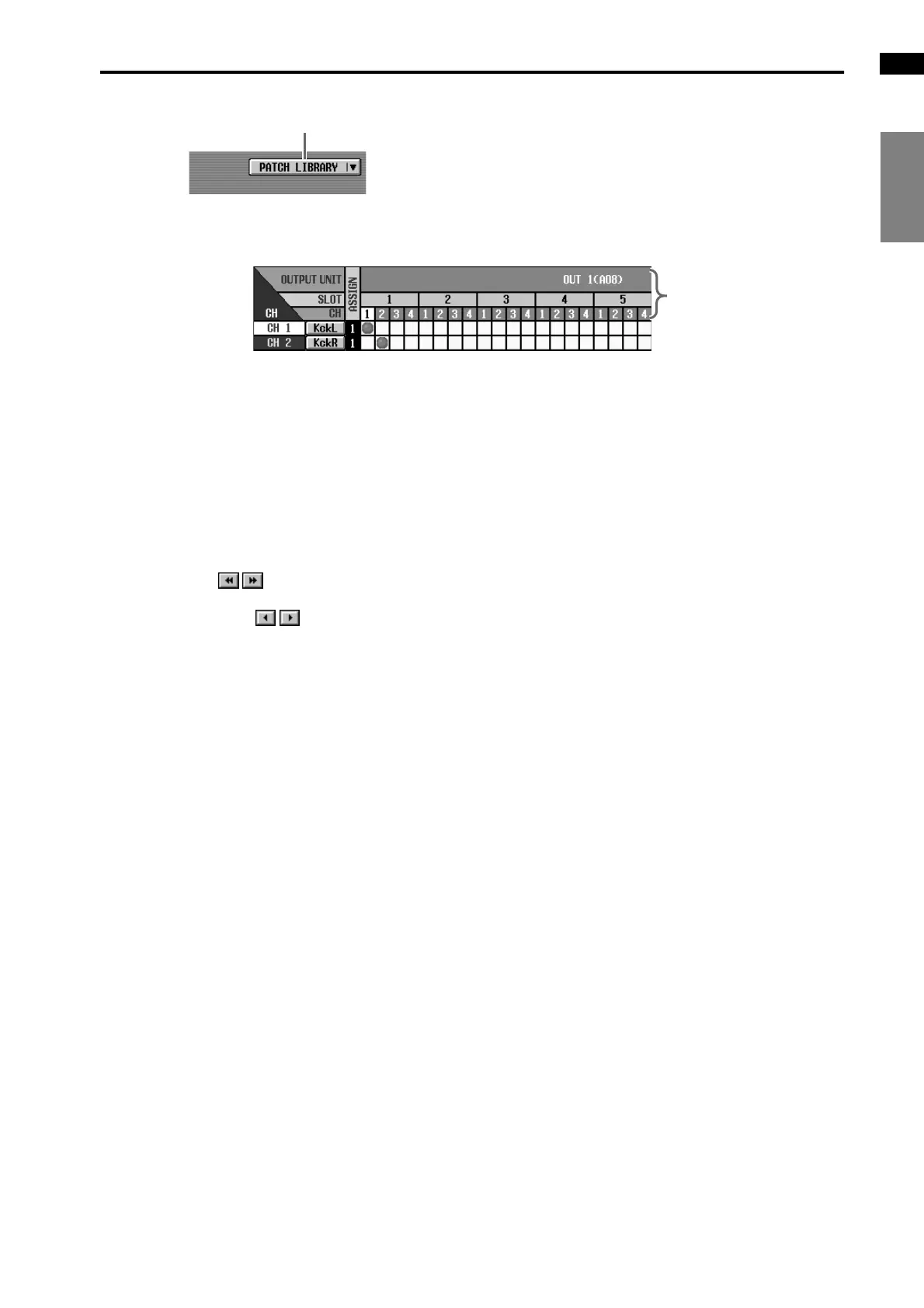
7 OUTPUT UNIT/SLOT/CH (output unit/slot/chan-
nel)
In order from the top, these are the type and ID
number of the input unit, slot number, and output
jack channel number. The abbreviations displayed in
the output unit line indicate the following.
• OUTx (DIO8).....DIO8 digital input/output unit
(x is the unit ID number)
• OUTx (AO8).......AO8 analog output unit
(x is the unit ID number)
By clicking the buttons at either end of the
output unit/slot line, you can switch the display by
units. By clicking the buttons you can switch
the display by slots.
6
7



 To Next Page