IN CH VIEW (input channel view) function
165
IN PATCHIN HA/INSERTIN EQ
IN GATE/COMP
IN DELAYIN DCA/MUTE
PAN/ROUTING
IN CH VIEW
3. To pair the channels, click the CH A to B button, the
CH B to A button (a channel number will appear in
A and B), or the RESET BOTH button. If you decide
not to specify pairing, click the CANCEL button.
Hint
You can also enable/defeat pairing by pressing the
[SEL] switches of two adjacent input channels on the
console.
Defeating pairing
1. Select one of the functions IN EQ, IN GATE/COMP,
IN DELAY, IN PAN/ROUTING, or IN CH VIEW,
and access the screen for the channel that you wish
to pair.
2. Click the heart symbol for the channels that you
wish to un-pair.
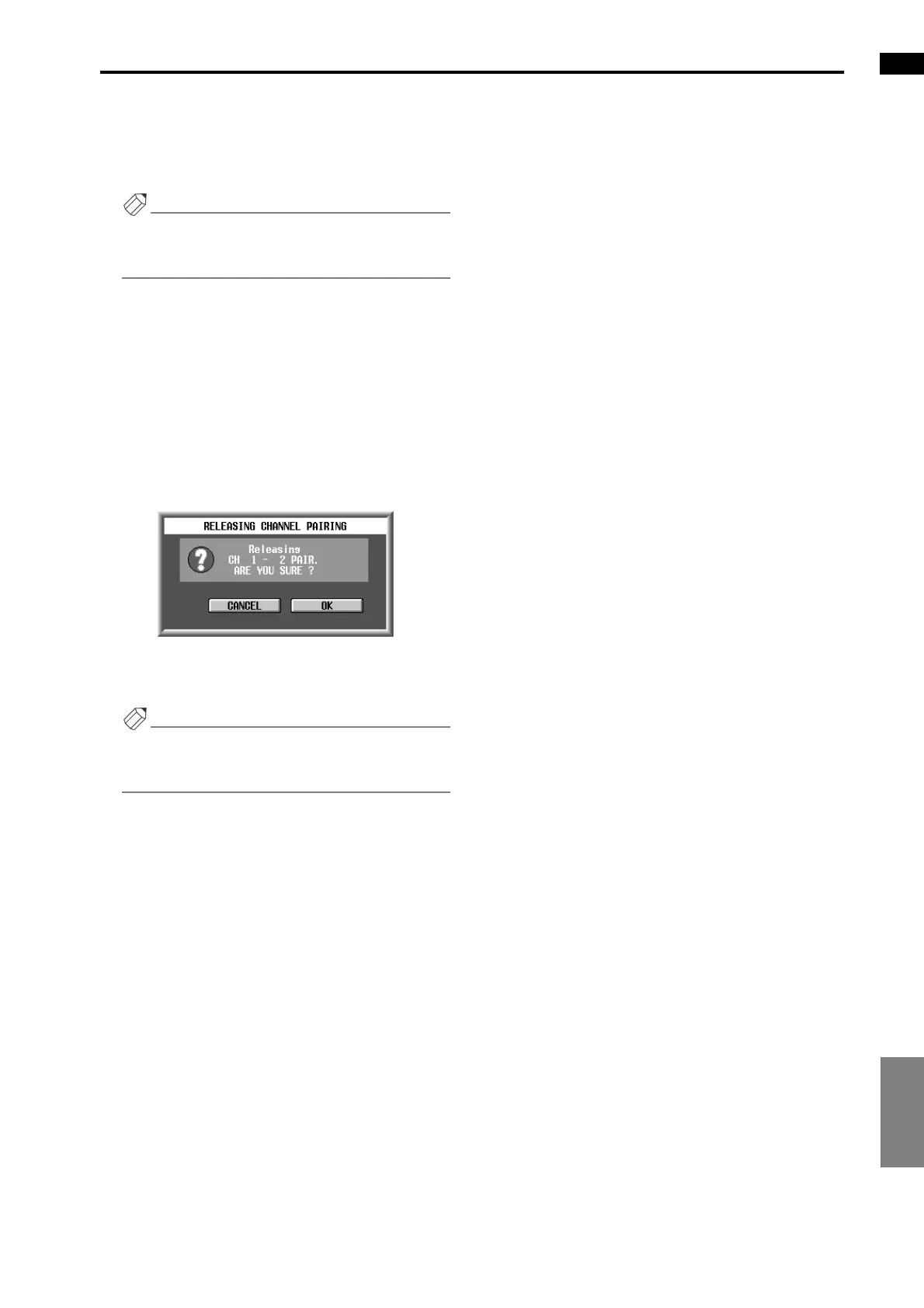
A popup window will appear, asking you to confirm
that you wish to defeat pairing.
3. To defeat, click the OK button. If you decide not to
defeat pairing, click the CANCEL button.
Hint
You can also enable/defeat pairing by pressing the
[SEL] switches of two adjacent input channels on the
console.



 To Next Page