CS1D Operating Manual (Basic Operation)
10
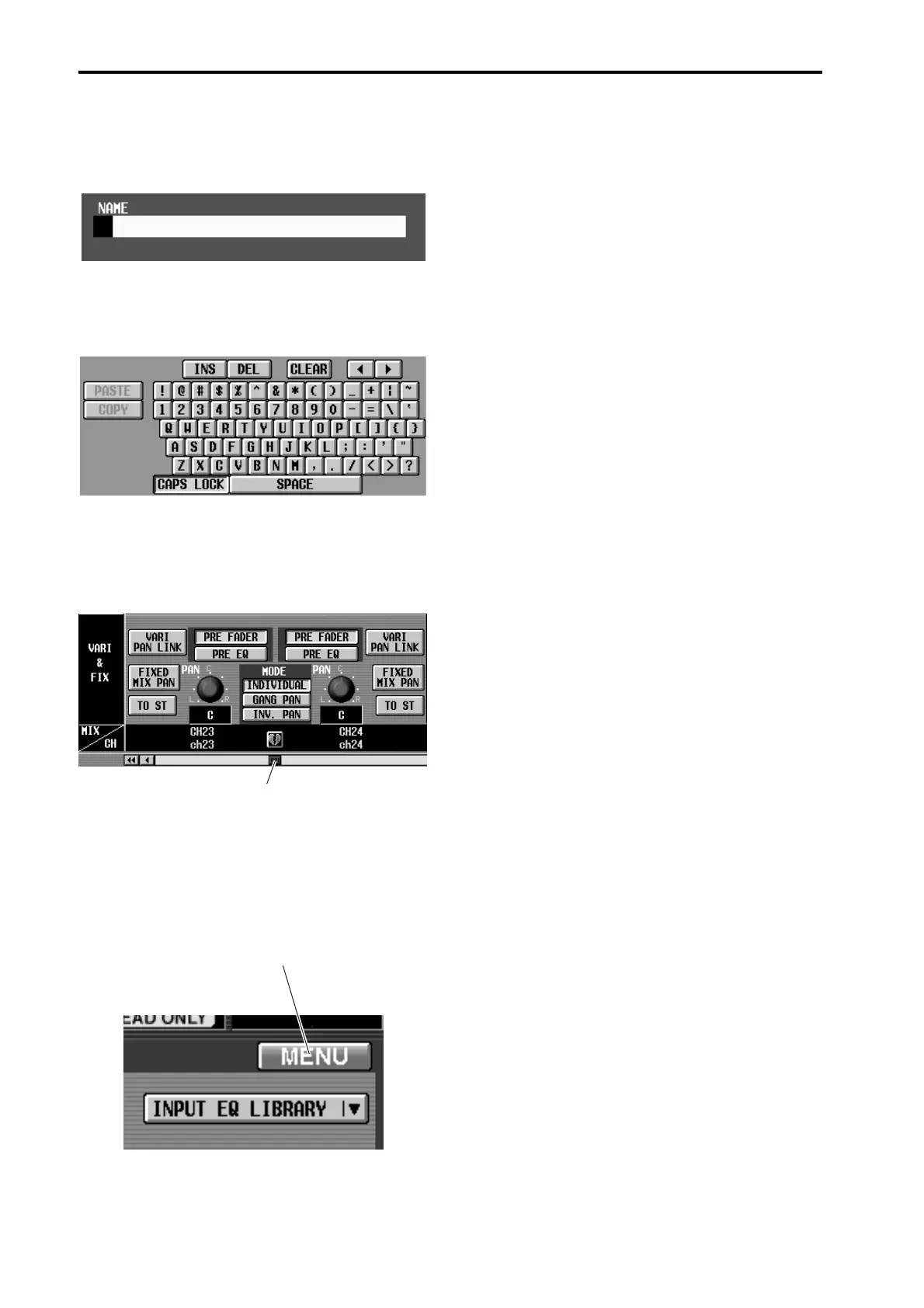
• Text input box
These boxes are used to input characters/numerals/
symbols when assigning a name to a channel or
scene, etc.
• Character palette
This is a virtual keyboard used to input characters/
numerals/symbols into a text input box.
• Scroll bar
When one screen is insufficient to display all of the
items, this bar is used to access the portion that is
currently not shown.
• MENU button
This is a special button that accesses the function
menu that is the starting point for operations in the
display. With the exception of the function menu
itself and various popup windows, this button is
shown at the same location in all screens.
Scroll bar
MENU button



 To Next Page